

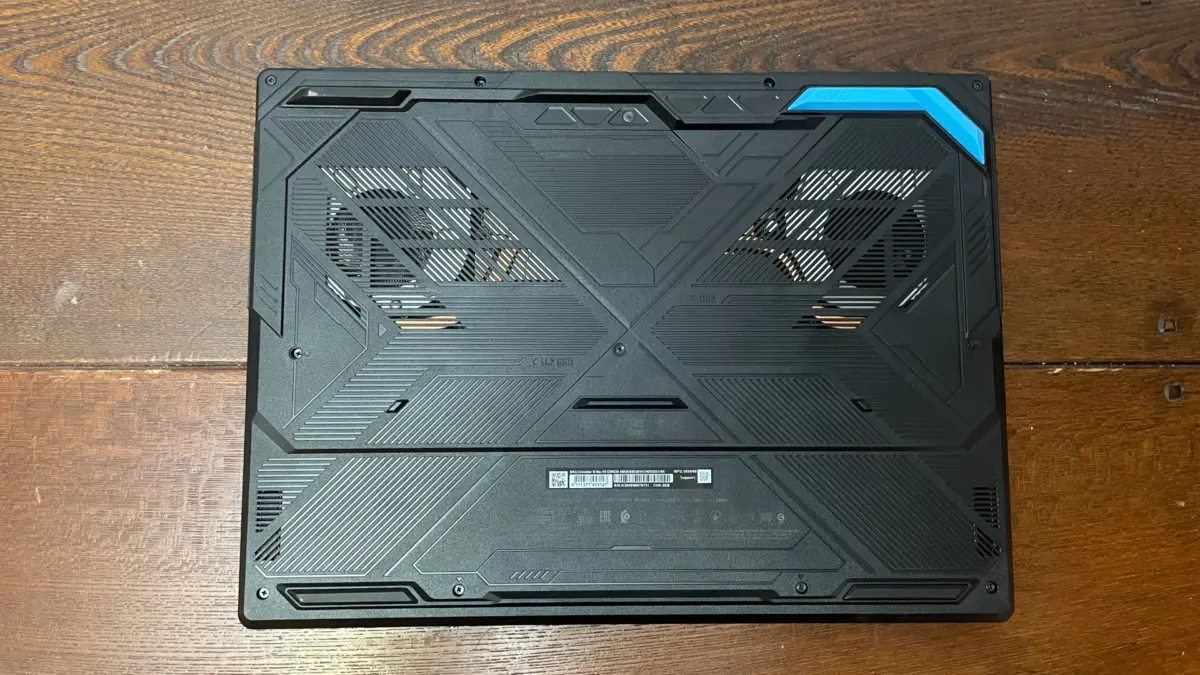
Executive Overview
The gaming laptop market has long been a battleground of compromises, forcing manufacturers to walk a razor-thin tightrope between sheer processing might, thermal dissipation, battery endurance, and aesthetic design. In one corner sit ultra-expensive, razor-thin units that intentionally throttle component performance to preserve battery life and keep fan noise whisper-quiet. In the opposite corner stands the MSI Crosshair 16 Max HX E2W—a machine that unequivocally rejects subtlety.
Leaning all-in on extracting every last ounce of performance from its Nvidia RTX 5070 mobile GPU and Intel Core Ultra 7 251HX processor, the Crosshair 16 Max is unapologetically a heavy-duty gaming rig. Unboxed with a glossy, RGB-lit embossed MSI logo and a chunky chassis, it makes no secret of its gaming pedigree.
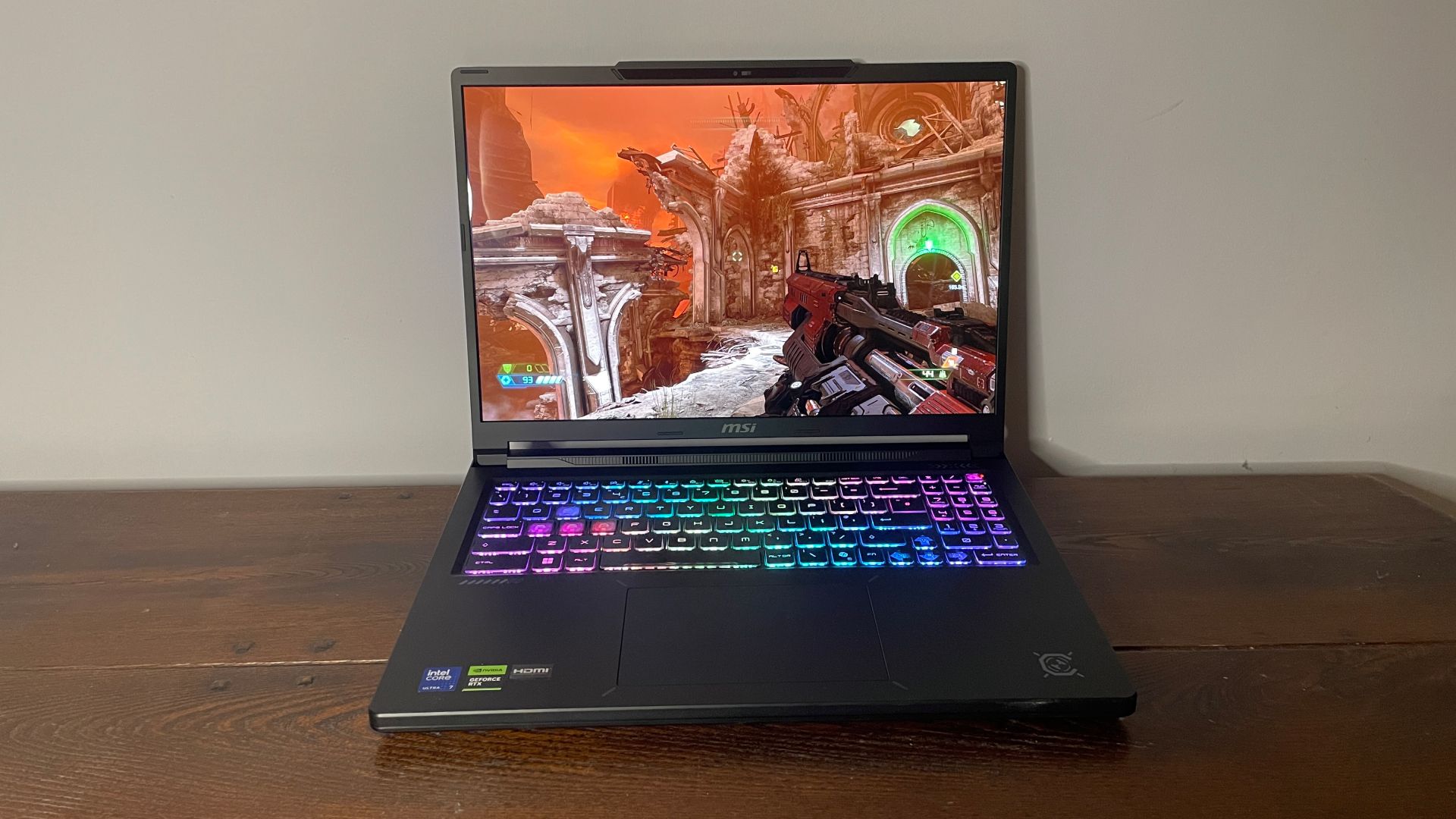
While its raw computing output and gorgeous 165Hz OLED panel genuinely impress, this unbridled power comes at a steep cost. The laptop runs exceptionally hot, suffers from abysmal battery efficiency, presents lingering audio latency hurdles, and adopts an identity-confused aesthetic—all while commanding a hefty price tag that makes it a difficult recommendation for the average consumer.
Detailed Chronology and Hardware Breakdown
Unboxing and Initial Impressions
Upon unboxing the MSI Crosshair 16 Max HX E2W, the hardware’s intentions are immediately apparent. It is neither a fragile, paper-thin ultraportable nor an unwieldy desktop replacement, landing instead in a middle ground of dense, purposeful thickness.
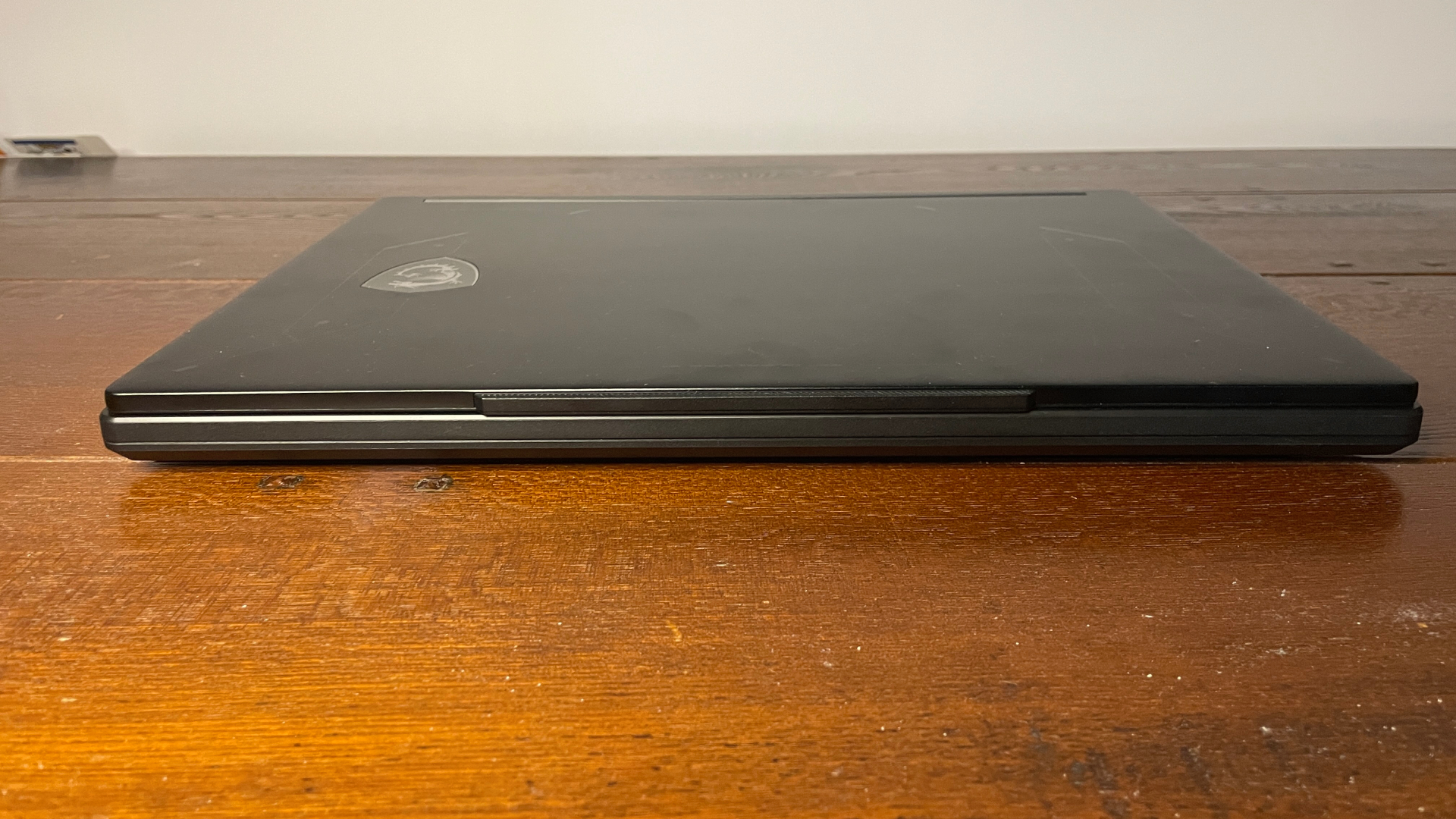
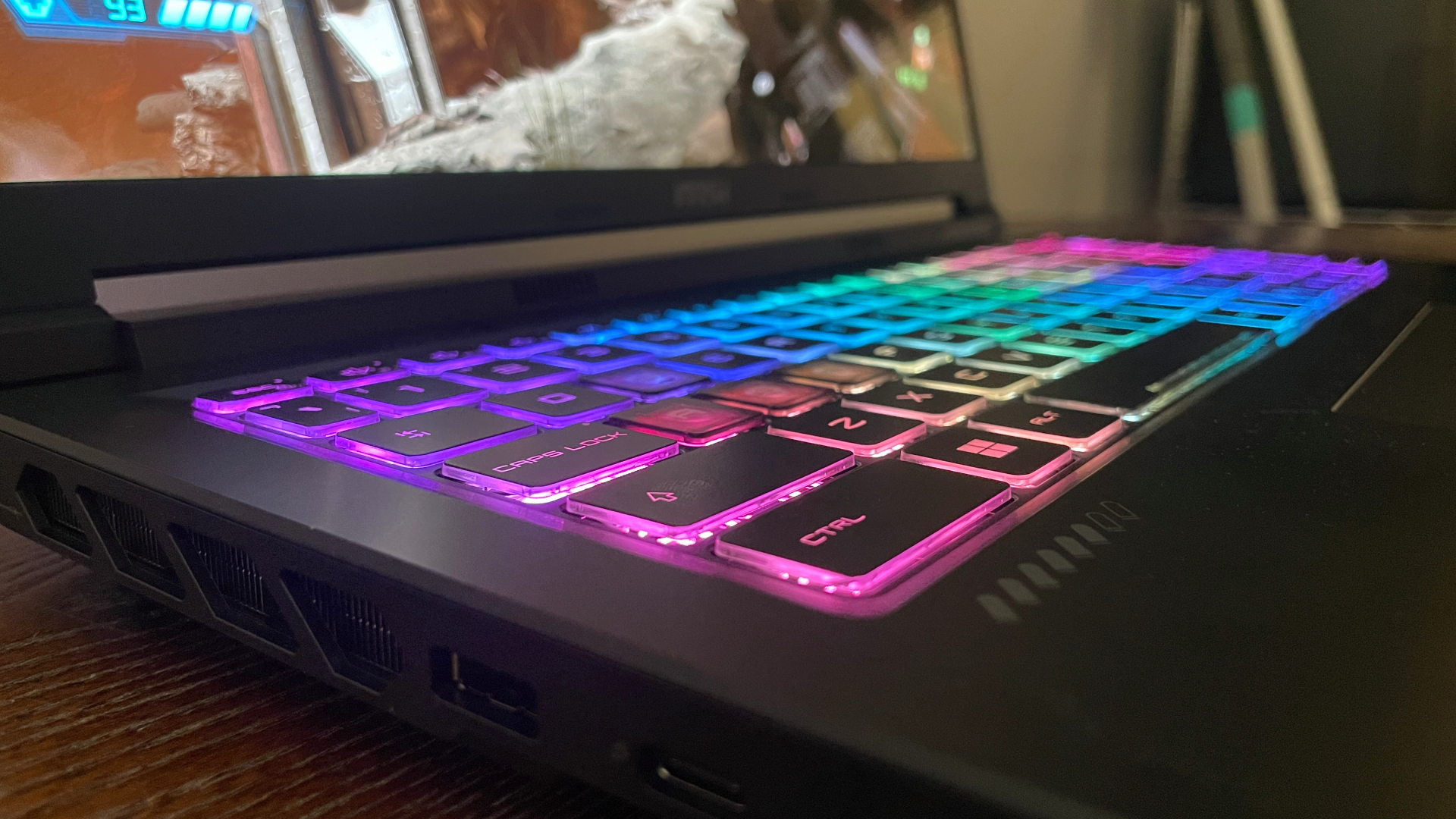
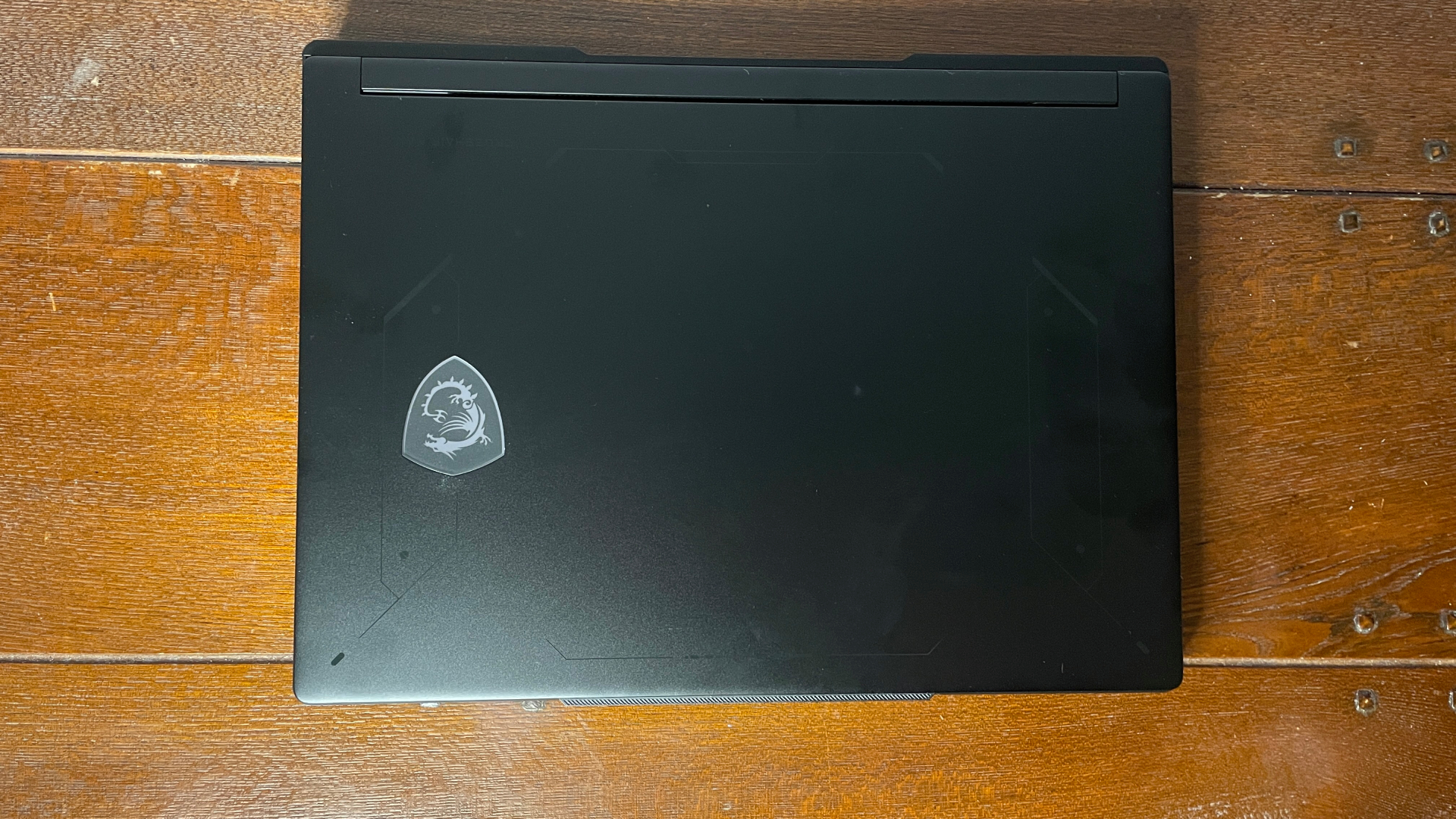
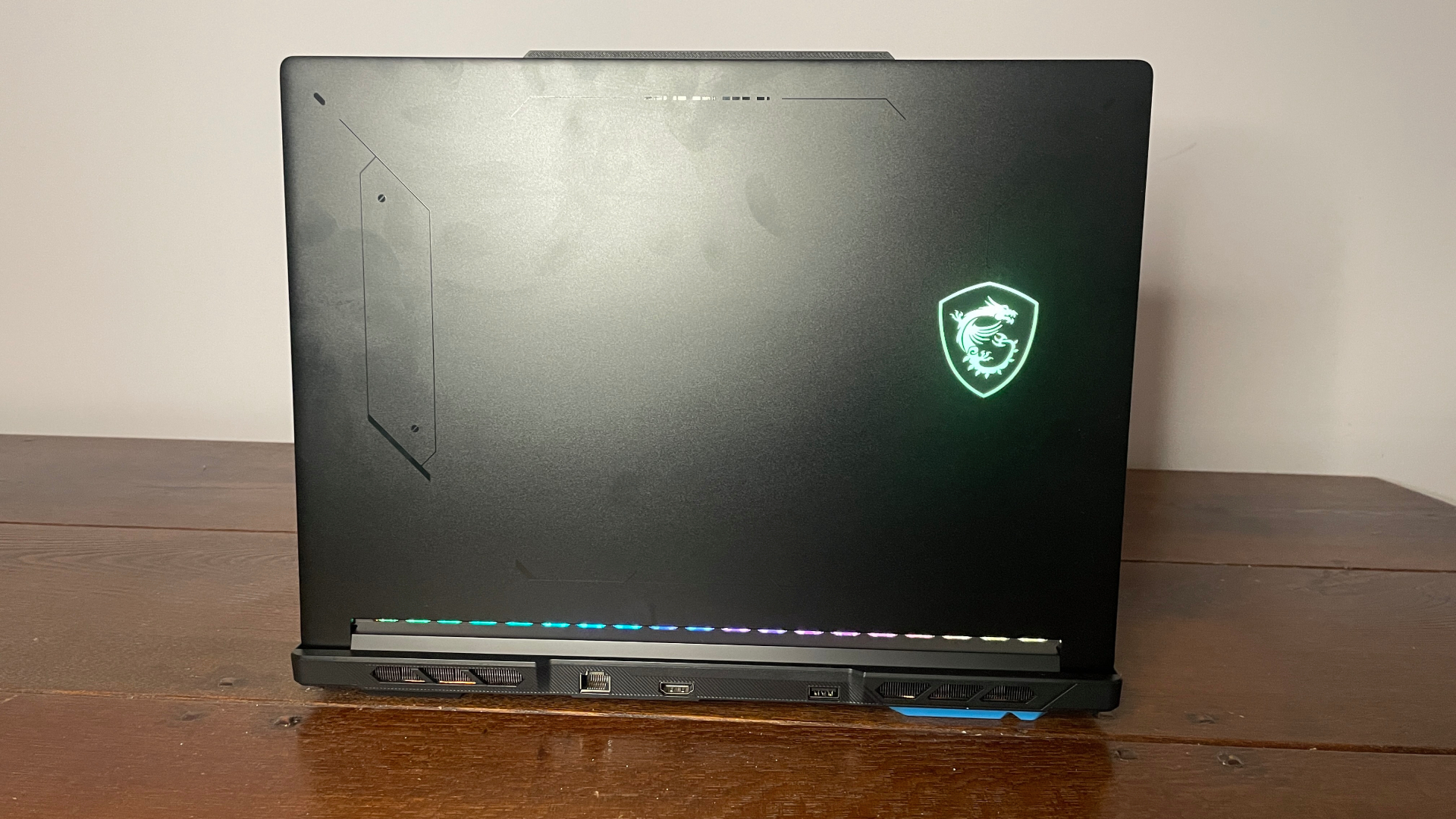
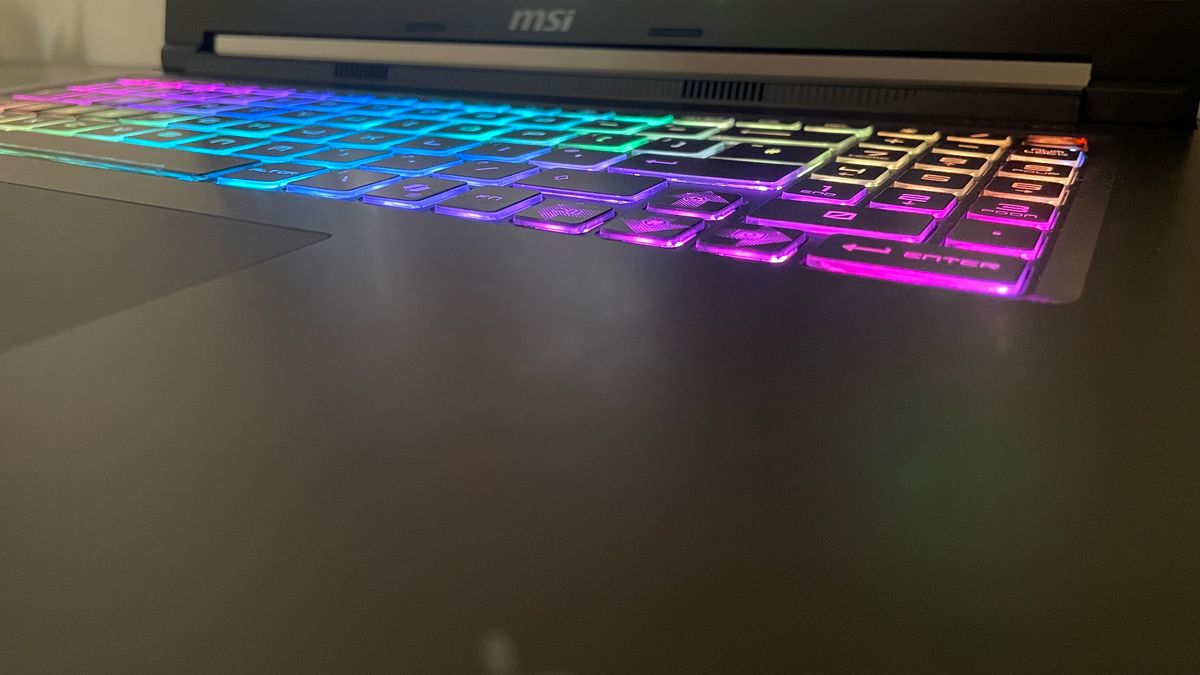
The aesthetic execution, however, feels slightly disjointed. The lid features a glossy, RGB-backlit MSI insignia, while the keyboard boasts 24-zone RGB lighting coupled with translucent WASD keys that broadcast a classic "gamer" identity. Yet, the rest of the chassis is wrapped in a remarkably plain, matte finish, leaving reviewers wondering whether the machine wants to blend into a professional workspace or light up a LAN party. A more decisive design language would serve it well.
Furthermore, typing ergonomics feel somewhat cramped due to the inclusion of a full numeric keypad. While some users swear by the numpad for productivity, eliminating it could have allowed for a more centralized layout and better heat management. The trackpad is relatively small, though thankfully centered beneath the spacebar—a layout choice that minimizes accidental palm inputs.
Port Selection and Connectivity
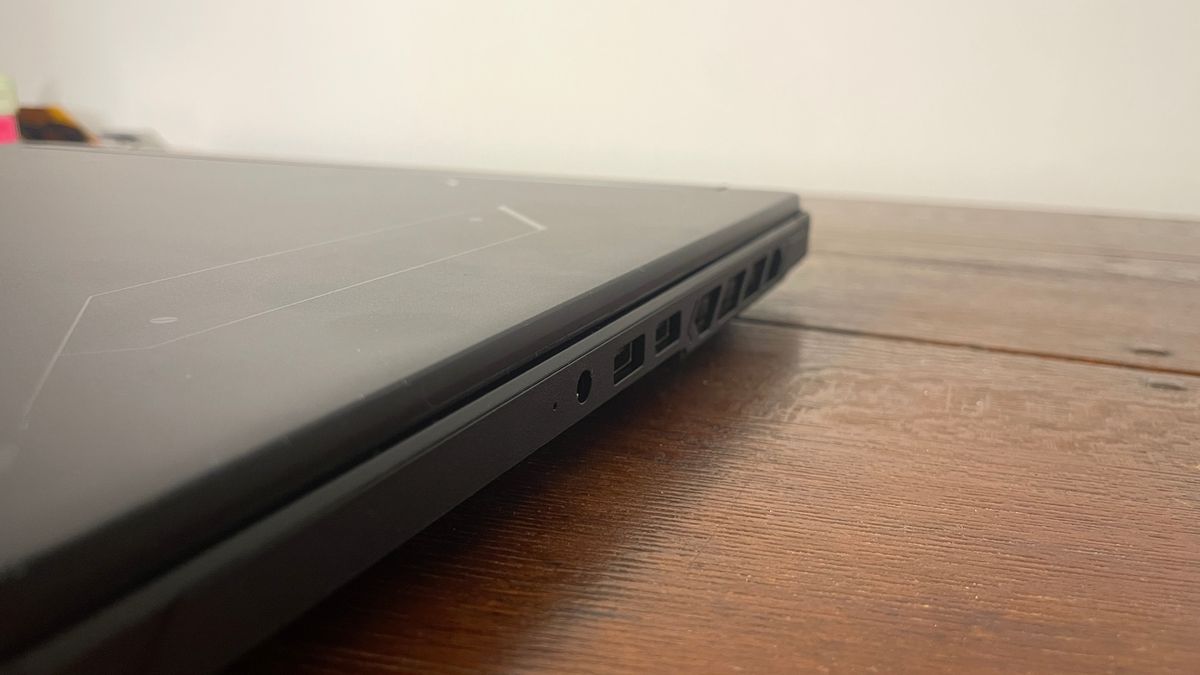
Connectivity options are robust, though initially deceptive. Upon first glance, the port selection appears sparse, but a pleasant surprise awaits around the back edge where additional inputs are tucked away.
The configuration includes:
- 1x RJ45 Ethernet port
- 1x Thunderbolt 4 port
- 1x USB Type-C port
- 3x USB Type-A 3.2 Gen 2 ports
- 1x HDMI 2.1 output
The inclusion of both a high-speed Thunderbolt 4 port and a hardwired Ethernet connection ensures that stationary setups, high-speed external storage transfers, and low-latency competitive gaming are fully supported out of the box. Wireless connectivity is handled via Wi-Fi 6E.
Supporting Context, Specifications, and Metrics
Specifications Matrix
| Component / Feature | MSI Crosshair 16 Max HX E2W (Tested Spec) | Alternative Configurations |
|---|---|---|
| CPU | Intel Core Ultra 7 251HX | Intel Core Ultra 9 290HX / Core Ultra 7 251HX |
| NPU | 30 TOPS | 30 TOPS |
| Graphics | Nvidia RTX 5070 Mobile (115W TGP) | Nvidia RTX 5070 / RTX 5060 |
| Memory | 16 GB DDR5-6400 (2×8 GB) | Up to 32 GB DDR5 |
| Storage | 1 TB NVMe SSD | 1 TB NVMe SSD |
| Display Size | 16-inch | 16-inch |
| Display Type | OLED | OLED |
| Resolution | 2560 x 1600 (WQXGA) | 2560 x 1600 |
| Refresh Rate | 165Hz | 165Hz |
| Battery | 80 Whr (4-cell) | 80 Whr |
| Weight | 2.2 kg (4.85 lbs) | 2.2 kg |
| Price | ~$2,600 USD (32 GB configuration) | Varies ($2,000 on sale) |
Display Quality
One of the standout features of the Crosshair 16 Max is its stellar 16-inch OLED panel. Historically, high-end OLED screens have been reserved strictly for sleek, premium creator laptops rather than aggressive gaming rigs. Seeing one deployed here is a welcome surprise.

Operating at a native resolution of 2560 x 1600 with a 165Hz refresh rate, the panel delivers inky blacks, vibrant contrast, and punchy colors that make modern AAA titles pop off the screen. It matches the performance capabilities of the RTX 5070 mobile GPU remarkably well, providing fluid motion handling without inducing jarring ghosting or tearing.
Gaming and Productivity Performance
Under the hood, MSI’s decision to prioritize raw power extraction yields dividends in benchmarks.
- 1080p Gaming: At 1080p resolution under demanding ray tracing presets (such as Cyberpunk 2077 at RT Ultra), the laptop averages 46 FPS with 33 FPS 1% lows. This frequently outperforms rival RTX 5070 laptops and nipping at the heels of power-limited RTX 5080 configurations.
- 1600p Native Gaming: At its native 1600p resolution, the system delivers playable framerates (averaging 26 FPS native in heavy workloads, soaring to 80 FPS when leveraging DLSS quality upscaling and frame generation).
- Productivity (7-Zip / Multi-core): Driven by the Intel Core Ultra 7 251HX paired with 16GB of rapid 6,400 MT/s DDR5 memory (configured in a dual-channel 2x8GB setup), the system excels in multi-threaded productivity tasks. In compression and decompression tests, it handles data processing faster than many competitive machines utilizing nominally higher-tier processors.
Thermals, Acoustics, and Power Consumption
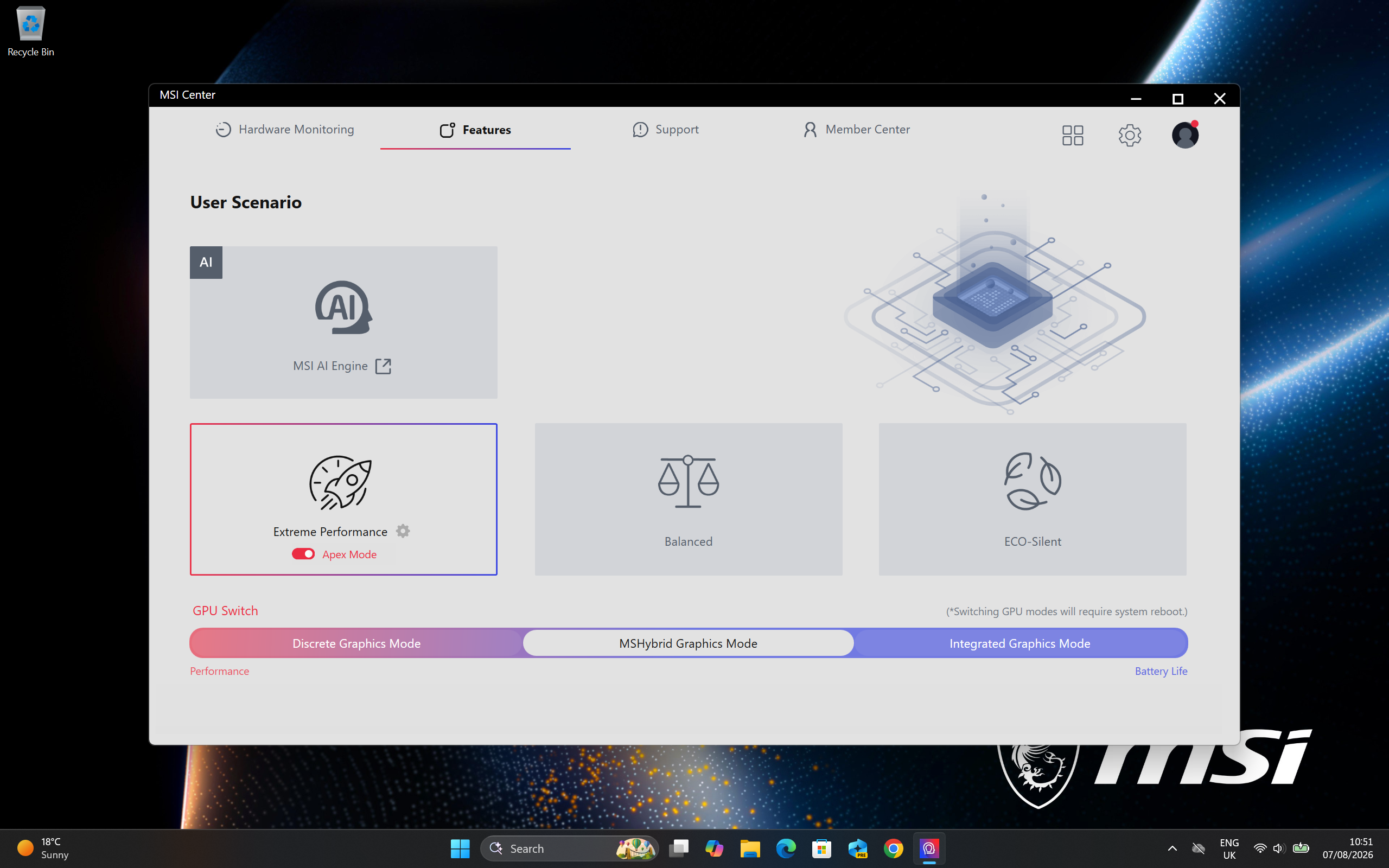
To achieve this level of performance, the laptop runs exceptionally hot. Operating in "Extreme Performance" mode, the Intel Core Ultra 7 CPU recorded a peak temperature of 104°C, with an average of 91°C during sustained gaming loops. The RTX 5070 GPU likewise pushed boundaries, peaking at 84°C.
Despite these high internal temperatures, heat management around the WASD cluster remains acceptable, suggesting that internal vapor chambers and heat pipes are successfully routing thermal energy away from the primary contact points.
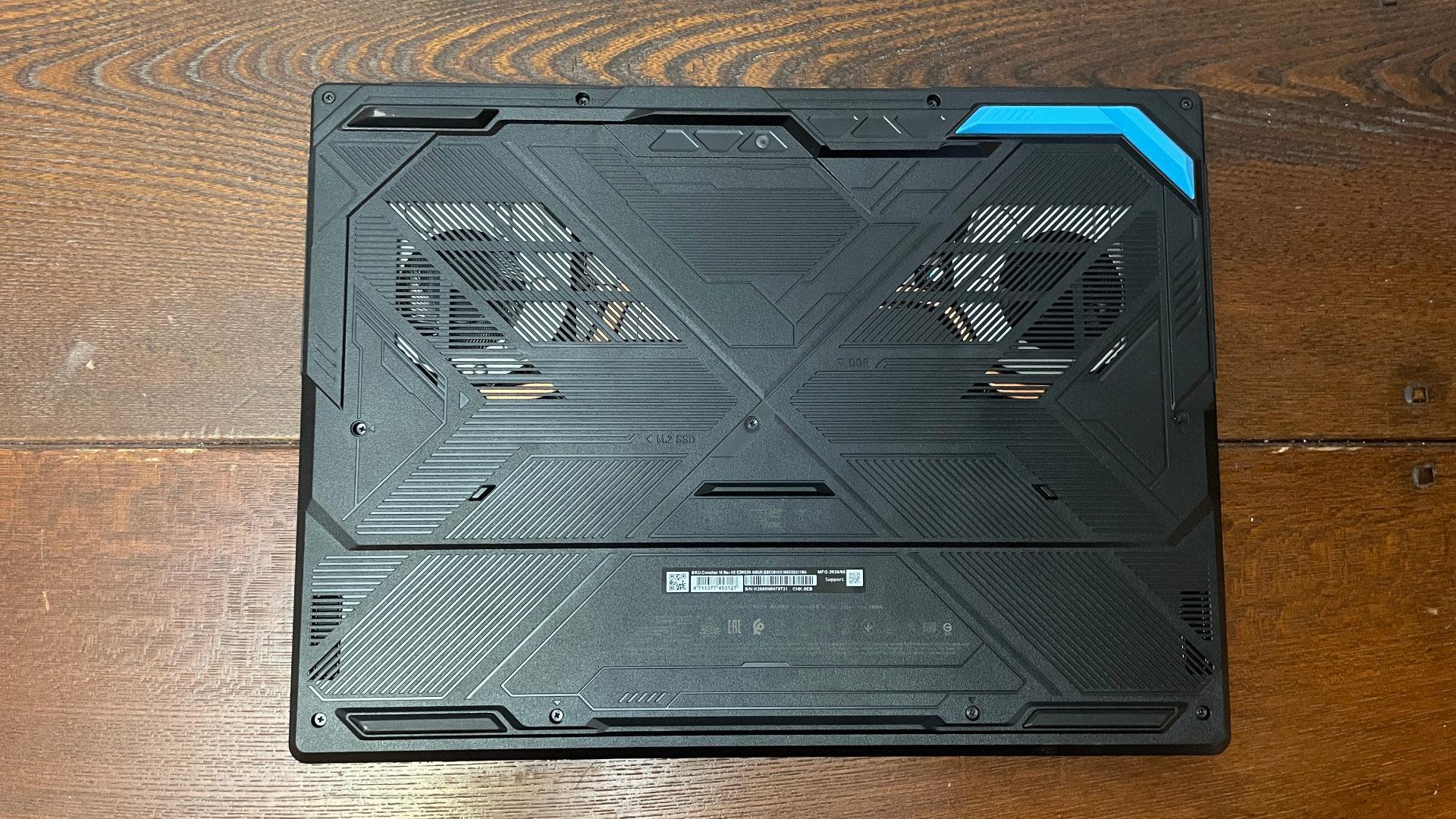
Fan noise under extreme loads is loud, but it produces a smooth, rushing white noise rather than a high-pitched, grating whine. However, the accompanying built-in speakers struggle to cut through the fan noise; they exhibit a tinny sound profile typical of budget laptop audio and are easily drowned out during intense gaming sessions.
Official Statements and Known Issues: The Audio Latency Dilemma
While performance metrics are largely positive, a major engineering hurdle dampens the user experience: audio latency.
Reviewers noted a persistent, noticeable delay over the default audio device. Unlike previous MSI models where swapping to a USB-connected external DAC or headset resolved latency inconsistencies, the Crosshair 16 Max stubbornly retained the delay regardless of output routing. Troubleshooting steps—including uninstalling bloatware like Norton antivirus and disabling the Nahimic audio suite—failed to yield a permanent fix.
When questioned about these anomalies, manufacturer representatives confirmed that MSI is actively investigating the audio latency problem. For competitive shooter enthusiasts and players sensitive to audio-visual sync issues, prospective buyers are advised to steer clear until an official firmware or driver patch is deployed.
Future Outlook and Value Proposition
The MSI Crosshair 16 Max HX E2W occupies a peculiar segment of the 2026 hardware landscape. Retailing near $2,600 for the 32GB specification (and hovering around $2,000 during promotional sales), it sits in an aggressive pricing tier.
When evaluating raw silicon performance, DDR5-6400 memory speeds, and the stunning 165Hz OLED display, the laptop delivers undeniable muscle. It is a brilliant machine for users seeking desktop-replacement levels of processing grunt within a portable form factor.
However, the hardware package is dragged down by significant caveats:
- Thermal and Efficiency Costs: Sacrificing battery longevity (the 80 Whr battery managed a paltry 72 minutes in gaming battery life benchmarks) and running components near thermal limits makes it poorly suited for mobile productivity or untethered gaming.
- Audio Impediments: Persistent audio latency problems present a critical roadblock for multimedia consumption and competitive gaming.
- Aggressive Pricing: At its standard MSRP, cheaper alternatives or more refined systems with superior acoustic profiles and better thermal efficiency often present a safer investment.
Final Verdict: If MSI can successfully patch the audio latency issues through software updates and if market discounting lowers the barrier to entry, the Crosshair 16 Max will satisfy power-hungry gamers. In its current iteration, however, the heavy trade-offs in battery life, heat output, and audio reliability make it a difficult machine to justify at its current price point.








Belum ada komentar. Jadilah yang pertama berkomentar!