

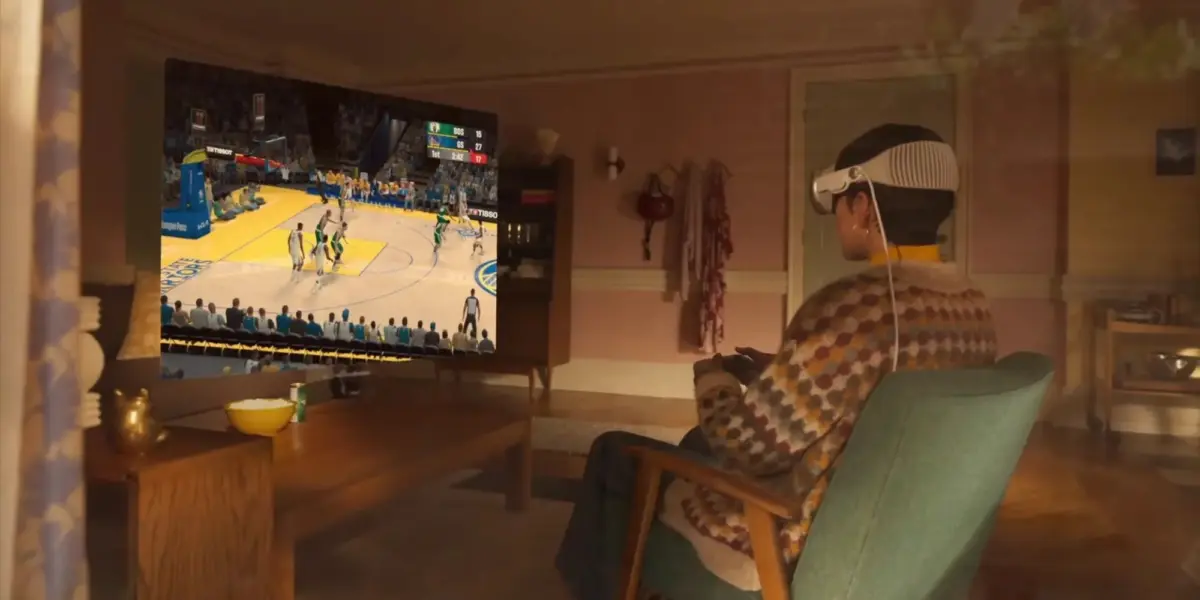
Executive Overview
The landscape of spatial computing and personal entertainment is undergoing a rapid, continuous evolution. Since its high-profile debut, the Apple Vision Pro has firmly established itself as a premier device for immersive media consumption—anchored by growing catalogs of high-definition Immersive Video content, cutting-edge hardware integrations, and consistent software refinements delivered through visionOS updates. However, expanding the device’s utility beyond productivity and cinematic viewing has remained a core priority for both Apple and third-party software developers.
That objective took a massive leap forward with a landmark announcement from Valve. The gaming giant has officially launched a native Steam Link application tailored specifically for visionOS, currently rolling out in its initial public beta phase. This development bridges Apple’s revolutionary spatial operating system with the world’s most robust PC and Mac digital storefront. By leveraging the new app, users can stream their existing Steam libraries directly into their spatial workspace, enjoying their favorite titles on massive, adjustable virtual displays.
While the initial beta release is strictly engineered for 2D streaming rather than native virtual reality (VR) gaming, the implications for Vision Pro owners are profound. It unlocks an expansive library of games that were previously inaccessible within the Apple ecosystem. This comprehensive report explores the technical capabilities of the new visionOS app, how users can participate in the beta today, the architectural limitations of the current release, and what this strategic cross-platform union signals for the future of spatial gaming.
Detailed Chronology: The Journey to Spatial Steam Streaming
To understand the significance of the Steam Link visionOS beta, it is necessary to examine the broader timeline of software enhancements that paved the way for this integration.
The Foundation: Vision Pro’s Media and Gaming Ascent
When the Apple Vision Pro first landed in the hands of consumers, critics and early adopters alike praised its ultra-high-resolution micro-OLED displays and sophisticated eye-and-hand tracking architecture. While praised as a productivity powerhouse and a phenomenal personal home theater, the gaming library at launch felt constrained. Apple’s focus initially leaned toward spatial adaptations, Apple Arcade titles, and traditional iPad applications running in compatibility mode.
Over the subsequent months, software iterations systematically addressed these shortcomings. The rollout of iterative visionOS updates steadily enhanced graphic rendering performance, controller compatibility, and spatial audio routing. Furthermore, the introduction of visionOS 26.4 brought crucial under-the-hood optimizations that reduced latency and improved wireless data transfer rates—critical prerequisites for real-time game streaming.
Valve’s Multiplatform Expansion Strategy
Valve has historically pursued a hardware-agnostic approach with its Steam Link technology. Originally introduced as dedicated hardware, Steam Link evolved into a versatile software protocol designed to mirror a user’s host computer (PC or Mac running Steam) to virtually any display over a local or wide-area network.
Over the years, Valve successfully deployed Steam Link applications across a vast array of ecosystems, including iOS, iPadOS, macOS, Apple TV, Android, and various smart TV platforms. Bringing the software to visionOS represents a natural, albeit technically demanding, extension of this strategy. Following months of internal testing and adaptation to spatial computing frameworks, Valve officially opened the floodgates by releasing the first public beta build via Apple’s TestFlight developer distribution platform.
Supporting Context & Technical Metrics: What the Beta Delivers
The newly released Steam Link beta for visionOS is not merely a ported iPad app; it is a dedicated, native application built to take advantage of visionOS design paradigms and advanced networking protocols. Valve’s engineering notes outline several core performance milestones integrated into this initial build:
Performance Enhancements and Resolution Limits
Network latency is the eternal nemesis of cloud and local game streaming. To combat this, Valve’s native visionOS client incorporates advanced network performance optimizations designed to minimize frame drops and input lag over Wi-Fi networks.
Most notably, the app supports streaming up to 4K resolutions. When paired with a robust host gaming rig and a high-speed Wi-Fi 6E or Wi-Fi 7 router, the Vision Pro can render hyper-detailed, crystal-clear 2D game environments across its dual micro-OLED panels. Text remains legible, UI elements are razor-sharp, and complex textures retain their fidelity even when scaled to cinematic proportions.
Panoramic Flexibility and Display Customization
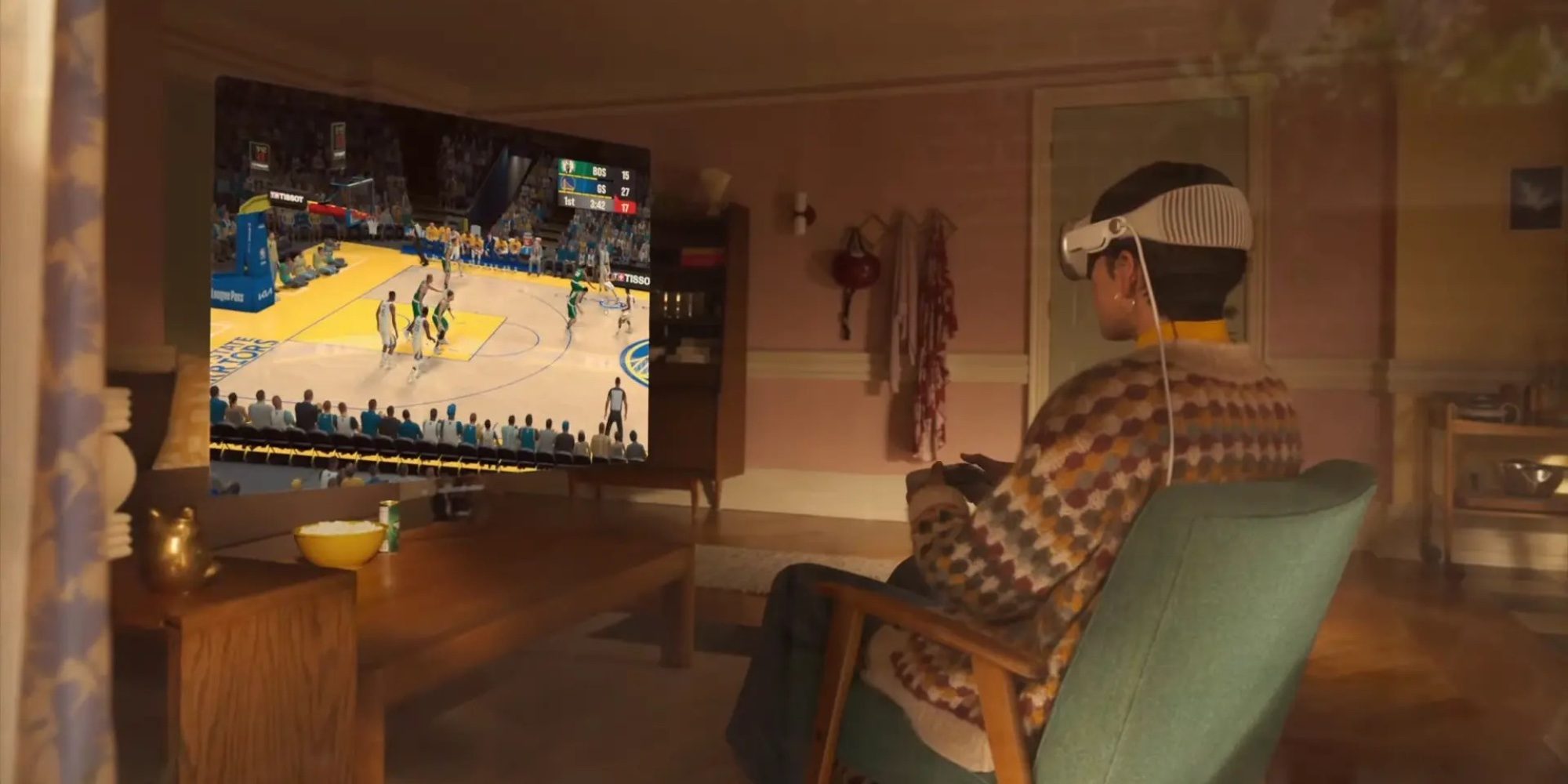
One of the defining features of visionOS is the ability to place, resize, and curve windows within a 3D physical environment. The Steam Link beta fully embraces this capability. Users are no longer bound by rigid, flat rectangular monitors. Through the app’s interface, players can dynamically adjust the curve of the display in panoramic mode, wrapping the virtual screen around their field of view. This creates an IMAX-style gaming theater inside any room, whether sitting on a living room couch, working at a desk, or relaxing in a hotel room.
Current Limitations: 2D Streaming vs. VR Content
To maintain realistic expectations among early adopters, Valve’s official documentation explicitly clarifies a critical architectural boundary:
"This client is for 2D streaming only and does not support VR content."
This means that while players can stream thousands of traditional PC and Mac games—ranging from sweeping role-playing epics and fast-paced strategy titles to indie platformers and competitive shooters—they cannot natively stream SteamVR headset-exclusive titles (such as Half-Life: Alyx) through this specific client to run natively on the Vision Pro’s hardware as a PCVR headset.

Despite this limitation, the value proposition remains immense. Playing a traditional 2D game on a floating, resizable screen the size of a movie theater wall offers an entirely unique type of immersion that standard desktop monitors simply cannot replicate.
Official Statements & Community Integration
The announcement, hosted on the official Steam community forums and paired with an Apple TestFlight distribution link, immediately generated widespread discussion across developer and consumer communities.
Valve’s development team emphasized that the beta phase is designed to stress-test network stability, gather diagnostic telemetry, and refine user interface interactions under real-world spatial computing conditions. By utilizing Apple’s TestFlight ecosystem, Valve can push rapid, iterative updates based directly on user telemetry and bug reports submitted by early testers.
Early community feedback has been overwhelmingly positive regarding visual fidelity and ease of pairing. Users have reported seamless connections to both Windows PCs and Apple Silicon Macs running Steam, highlighting the zero-friction transition from a desktop display to a suspended spatial window.
Step-by-Step Guide: How to Join the Steam Link Beta Today
For Vision Pro owners eager to test out the new capability, accessing the beta is a straightforward process managed via Apple’s official developer testing platform.

- Ensure System Compatibility: Make sure your Apple Vision Pro is updated to the latest available version of visionOS to ensure maximum compatibility with network frameworks and window management APIs.
- Access TestFlight: Open the TestFlight link provided by Valve on an Apple device linked to your developer/beta profile, or directly access it via your Vision Pro web browser: Join the Steam Link Beta via TestFlight.
- Install the App: Accept the invitation and download the Steam Link application onto your Apple Vision Pro.
- Prepare Your Host Machine: Ensure your gaming PC or Mac is powered on, connected to the same local network (preferably via Ethernet to the router), and running the Steam client with your account logged in.
- Pair and Play: Launch the Steam Link app inside visionOS, follow the on-screen pairing instructions to connect to your host computer, pair your preferred Bluetooth controller (such as an Xbox Wireless Controller, PlayStation DualSense, or MFi-certified gamepad), and launch your desired game.
Future Outlook: The Horizon of Spatial Gaming
The arrival of a native Steam Link app on visionOS marks a pivotal turning point for the platform. While the Apple Vision Pro launched under scrutiny regarding its gaming ecosystem, software integrations of this caliber prove that major industry players recognize the device’s long-term viability as a universal entertainment hub.
Looking forward, several exciting trajectories emerge:
- Refined Networking and Codecs: As Wi-Fi infrastructure improves and spatial operating systems mature, we can anticipate even lower latency thresholds, paving the way for competitive multiplayer gaming without noticeable input lag.
- Potential VR Protocol Evolution: While the current iteration is strictly 2D, the technical foundation laid by Valve and Apple opens the door for future protocol adaptations that could eventually bridge PCVR content into the spatial computing era.
- Broader Developer Adoption: The success of major cross-platform tools like Steam Link will likely incentivize other major gaming networks and cloud streaming services to develop dedicated, first-class native applications for visionOS.
For now, gamers holding an Apple Vision Pro have an unprecedented new tool in their arsenal. Whether diving into backlog classics or experiencing modern masterpieces on a floating, high-resolution panoramic screen, the integration of Steam Link redefines what is possible when traditional desktop gaming meets the frontier of spatial computing.








Belum ada komentar. Jadilah yang pertama berkomentar!