

Executive Overview
In a hardware market increasingly saturated with exorbitant price tags and over-engineered, gimmick-laden displays, the pursuit of high-end visual fidelity often demands a heavy financial penalty. Premium gaming monitors frequently boast blinding brightness levels exceeding 1,000 nits, integrated KVM switches, optical ports, extensive USB-C power delivery hubs, and enough addressable RGB lighting to illuminate a small server room. Yet, for many enthusiasts, these peripheral features are rarely utilized, serving primarily to inflate hardware costs.
Enter the Gigabyte GO27Q24A, a refreshing corrective to industry bloat. Stripping away the excess to focus purely on core performance metrics, this 27-inch monitor channels its development budget directly into what matters most: a responsive, high-refresh-rate quantum dot organic light-emitting diode (QD-OLED) panel.
Sporting a crisp 1440p resolution, a lightning-fast 0.03ms pixel response time, and a fluid 240Hz refresh rate, the GO27Q24A arrives with a competitive standard MSRP of $450—and promotional launch windows dipping as low as $299. It is designed for gamers who want top-tier motion clarity and deep OLED contrast without paying a tax for extraneous workspace utilities. However, compromises were inevitably made to hit this price point. With a modest fullscreen brightness of 200 nits (peaking at 400 nits for HDR), an omission of USB-C connectivity, and text rendering that isn’t optimized for day-long professional productivity, this display carves out a very specific, pure-play gaming niche.
Detailed Chronology & Design Evolution
Unboxing, Assembly, and Physical Ergonomics
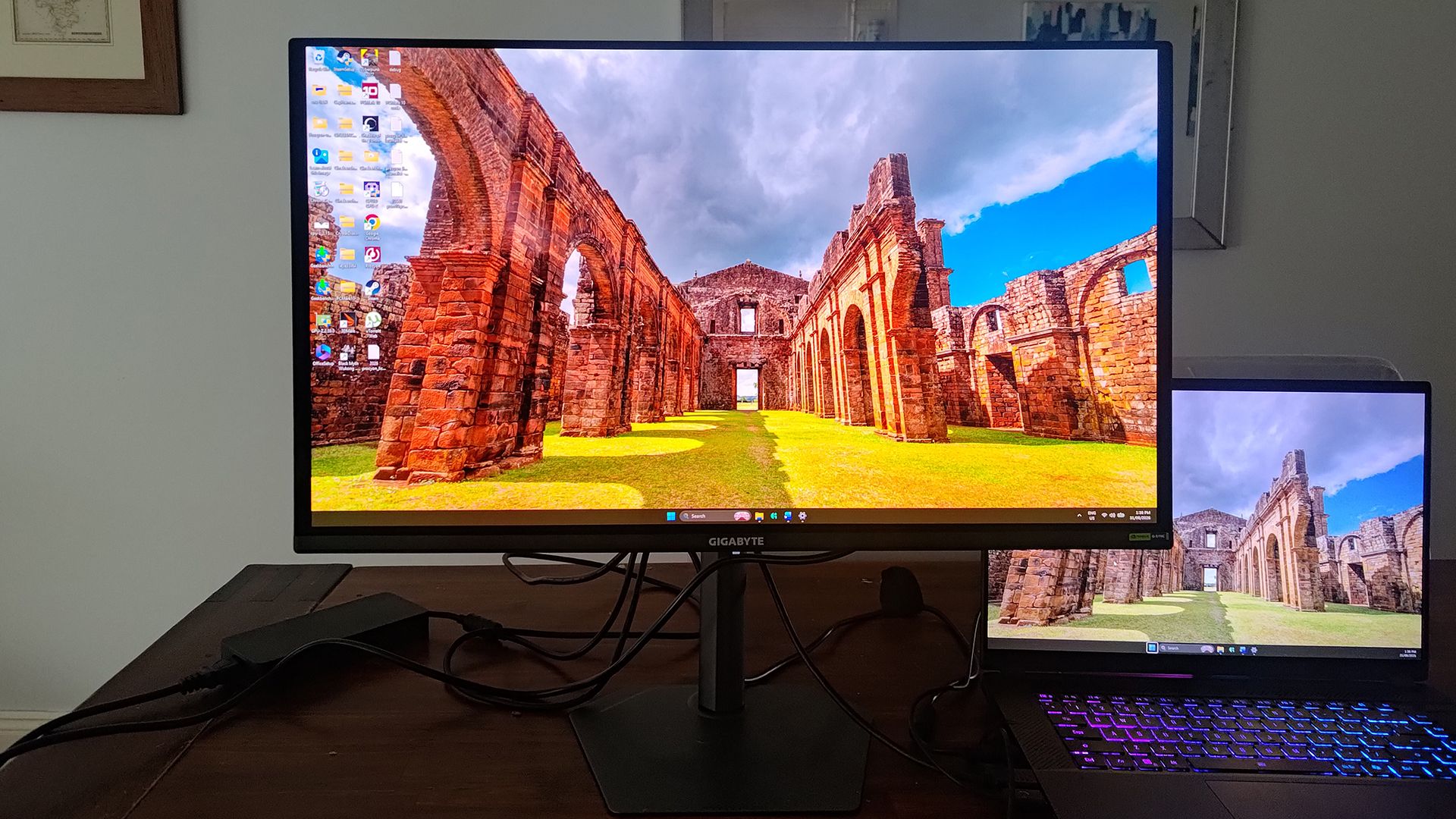
Unboxing the GO27Q24A immediately signals Gigabyte’s minimalist ethos. The package contents are sparse: a dedicated cable-management clip, a power cable, and a DisplayPort 1.4 cable. (A nod to user versatility would have welcomed an included HDMI 2.1 cable instead, given modern console integration needs).
Assembly, however, is wonderfully frictionless. Eschewing the need for any tools, the heavy-duty metal stem easily clips into the rear chassis of the screen. The monitor stand utilizes a single, captive thumbscrew to secure the base to the stem.
Remarkably, Gigabyte did not cheap out on the mechanical stand design. It employs the same sturdy, small-footprint base seen on the company’s much more expensive flagship monitors. This compact footprint is a boon for competitive players who prefer to sit close to their screens with deep-set keyboard and mouse configurations. The stem offers exceptional ergonomic versatility:
- Tilt Adjustment: -5° to +21°
- Swivel Range: ±15°
- Pivot Rotation: 90° (Portrait mode)
- Height Adjustment: 13 cm of vertical travel
I/O Real Estate and Feature Subtractions
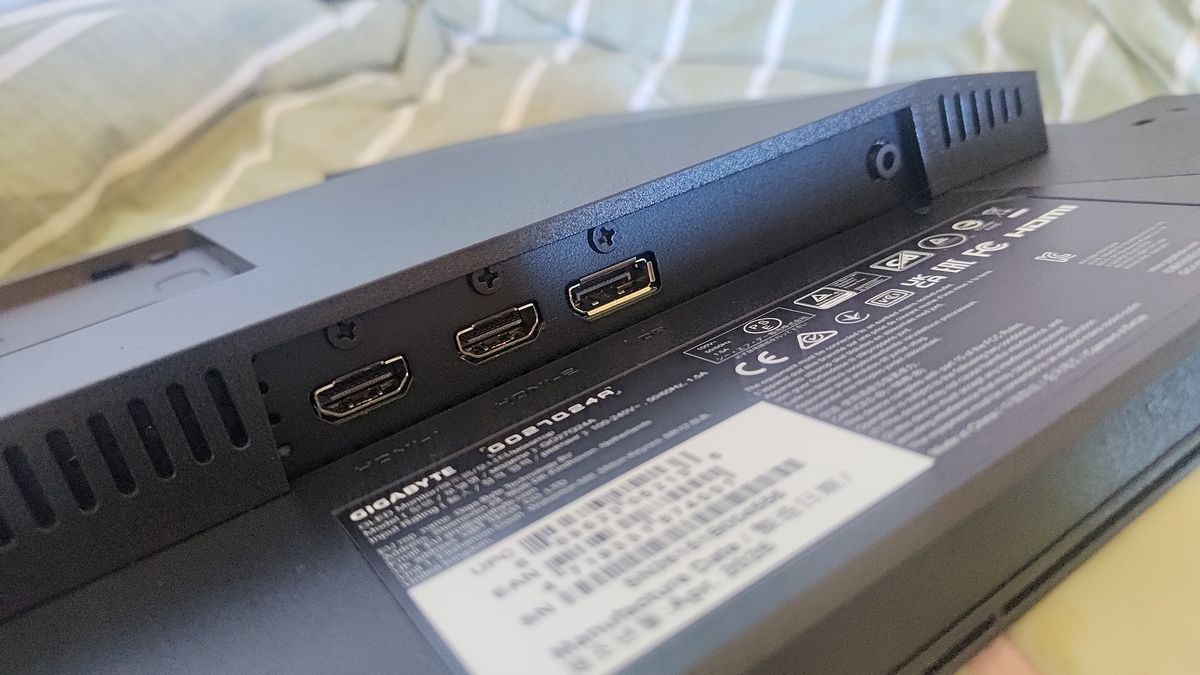
True to its cost-cutting mission, the rear I/O panel is refreshingly lean. Users will find two HDMI 2.1 ports, a single DisplayPort 1.4 input, and a 3.5mm audio headphone jack. There are no KVM switches, no USB-C upstream/downstream ports, and no optical audio outputs. There is also a complete absence of integrated RGB chassis lighting.
Control over the on-screen display (OSD) and hardware features is managed via a tactile rear-mounted joystick situated on the right side of the monitor. Just beneath it lies Gigabyte’s signature "Tactical Switch," a hardware button dedicated to shifting display profiles and executing rapid gaming enhancements on the fly.
Supporting Context & Metrics: Panel Performance and Specifications
Core Specifications Overview
| Feature | Specification |
|---|---|
| Screen Size | 27-inch |
| Native Resolution | 2560 x 1440 (QHD) |
| Panel Technology | Samsung QD-OLED (Gen 3 anticipated) |
| Fullscreen Brightness | 200 nits |
| Peak HDR Brightness | 400 nits |
| Pixel Response Time | 0.03 ms (Grey-to-Grey) |
| Refresh Rate | 240 Hz |
| HDR Certification | DisplayHDR TrueBlack 500 |
| Connectivity | 2x HDMI 2.1, 1x DisplayPort 1.4, 1x 3.5mm Audio Jack |
| Adaptive Sync | Nvidia G-Sync Compatible, AMD FreeSync Premium, VRR |
The Visuals: Color Accuracy vs. Brightness Constraints
At the heart of the GO27Q24A is a Samsung QD-OLED panel—widely believed to be a third-generation iteration—boasting the signature 0.03ms pixel response time and a near-infinite contrast ratio of 1,500,000:1. Color reproduction is stellar, covering 99% of the demanding DCI-P3 color gamut, making it a viable tool for color-conscious digital artists and designers.
The primary divergence from premium QD-OLED displays lies in its luminosity. While high-end panels boast blinding peak highlights well past 1,000 nits, the GO27Q24A is rated for a fullscreen brightness of just 200 nits, pushing to a modest 400 nits for peak HDR content.
In practice, this conservative brightness has unexpected upsides. Because the panel never achieves retina-searing luminescence, HDR can be left active permanently during everyday use without causing visual fatigue. Smooth monochromatic and color gradients transition effortlessly without stepping or banding. While deep black levels and crisp shadow details prevent enemies from easily blending into dark corners, extremely bright highlights can occasionally clip or lose fine detail due to the restricted dynamic range headroom.
Anti-Reflective Coating and Office Limitations
Gigabyte coats the panel in a semi-gloss anti-reflective finish. In controlled environments, this coating works wonders at diffusing ambient light. However, when placed in a brightly lit room or when displaying predominantly dark content, the screen can act as a subtle black mirror, catching overhead lights and window reflections.
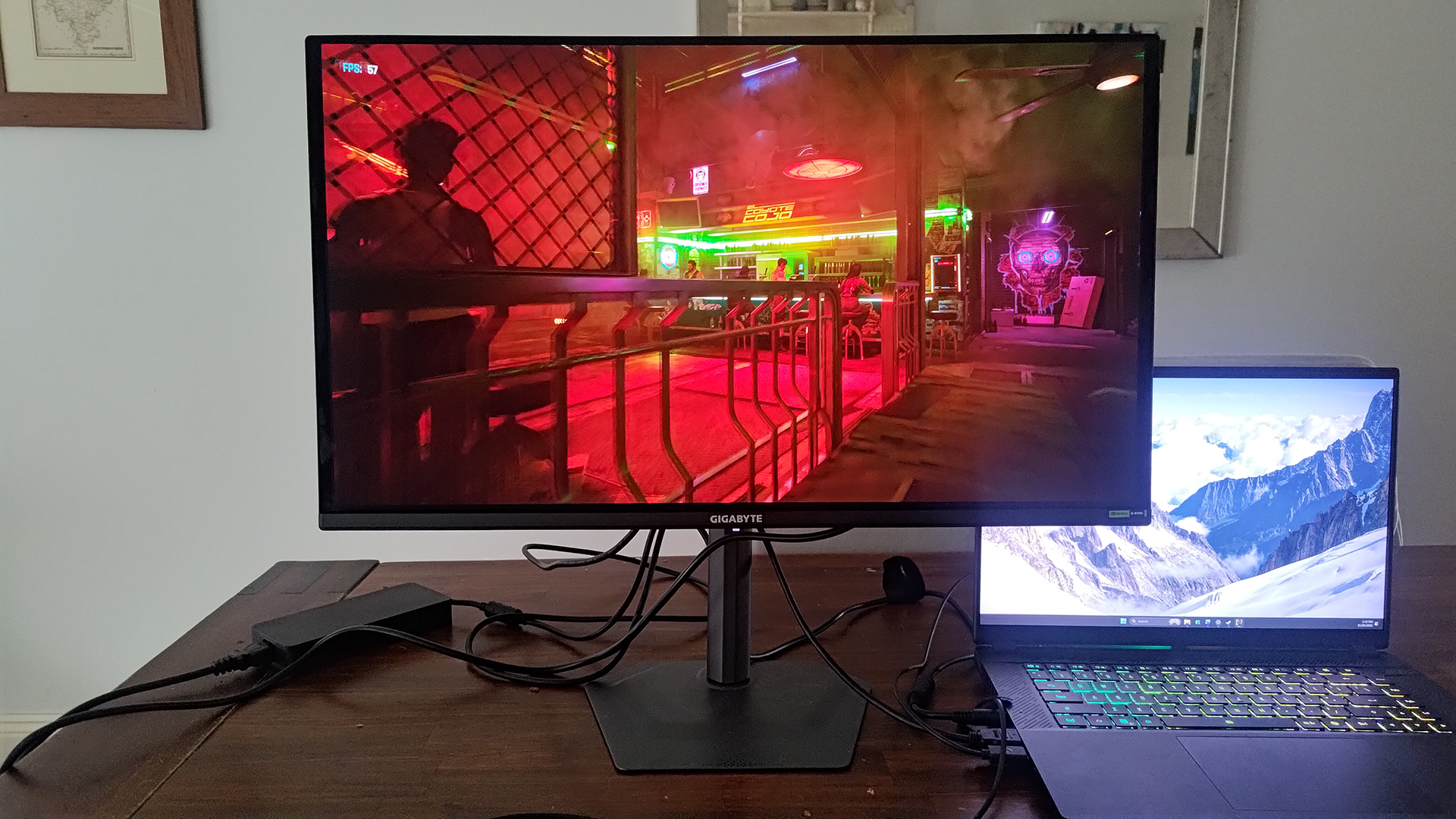
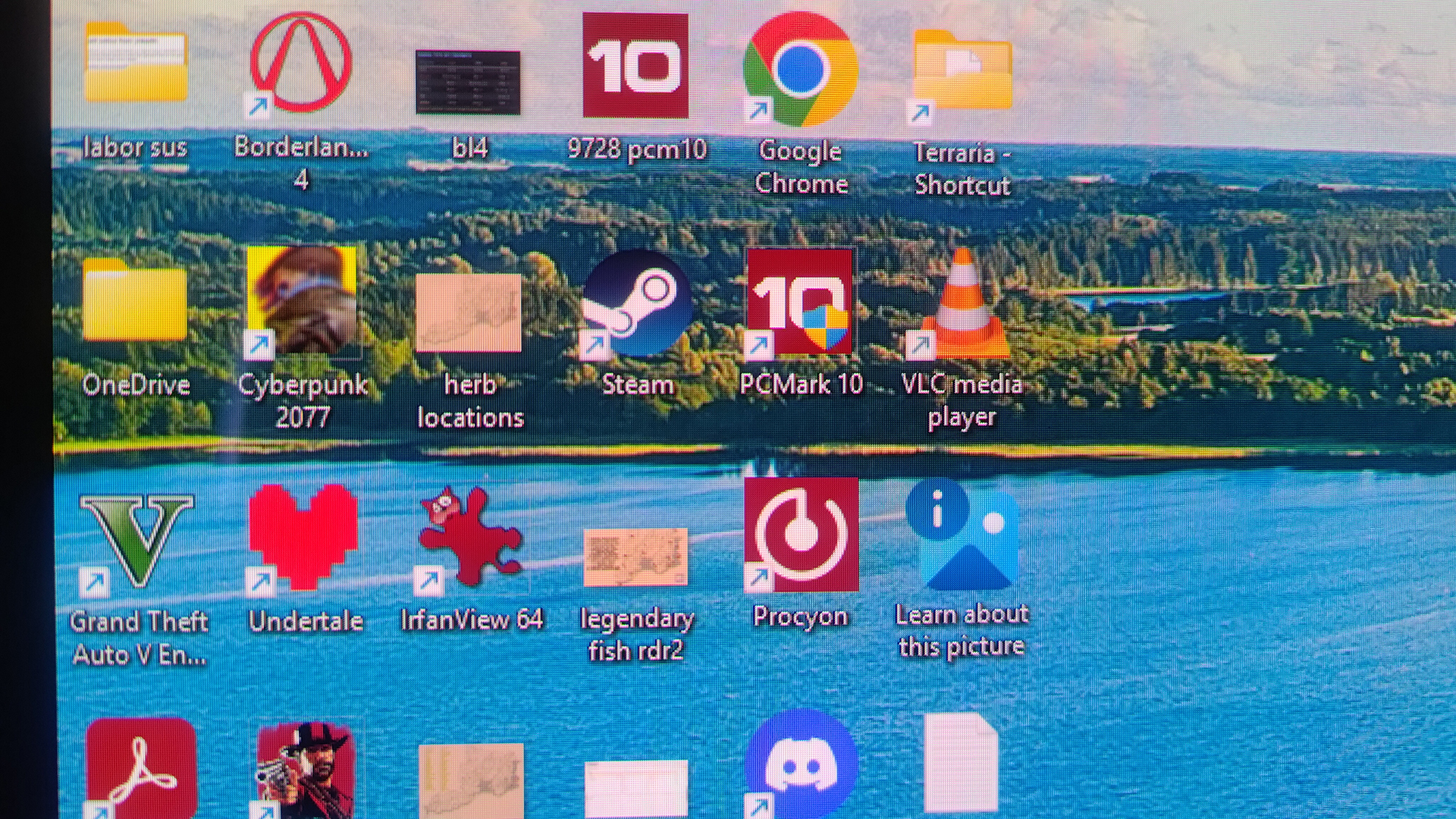
Furthermore, Windows desktop real estate at 1440p on a 27-inch canvas offers plenty of workspace, but the subpixel layout inherent to the QD-OLED panel results in text rendering that can appear slightly "spidery" or fringed. Users who spend their entire day parsing spreadsheets, writing documents, or reviewing code will likely find text clarity fatiguing over extended sessions. This is fundamentally a media consumption and gaming display, not an all-day productivity workhorse.
Gaming Real-World Evaluation & OSD Feature Suite
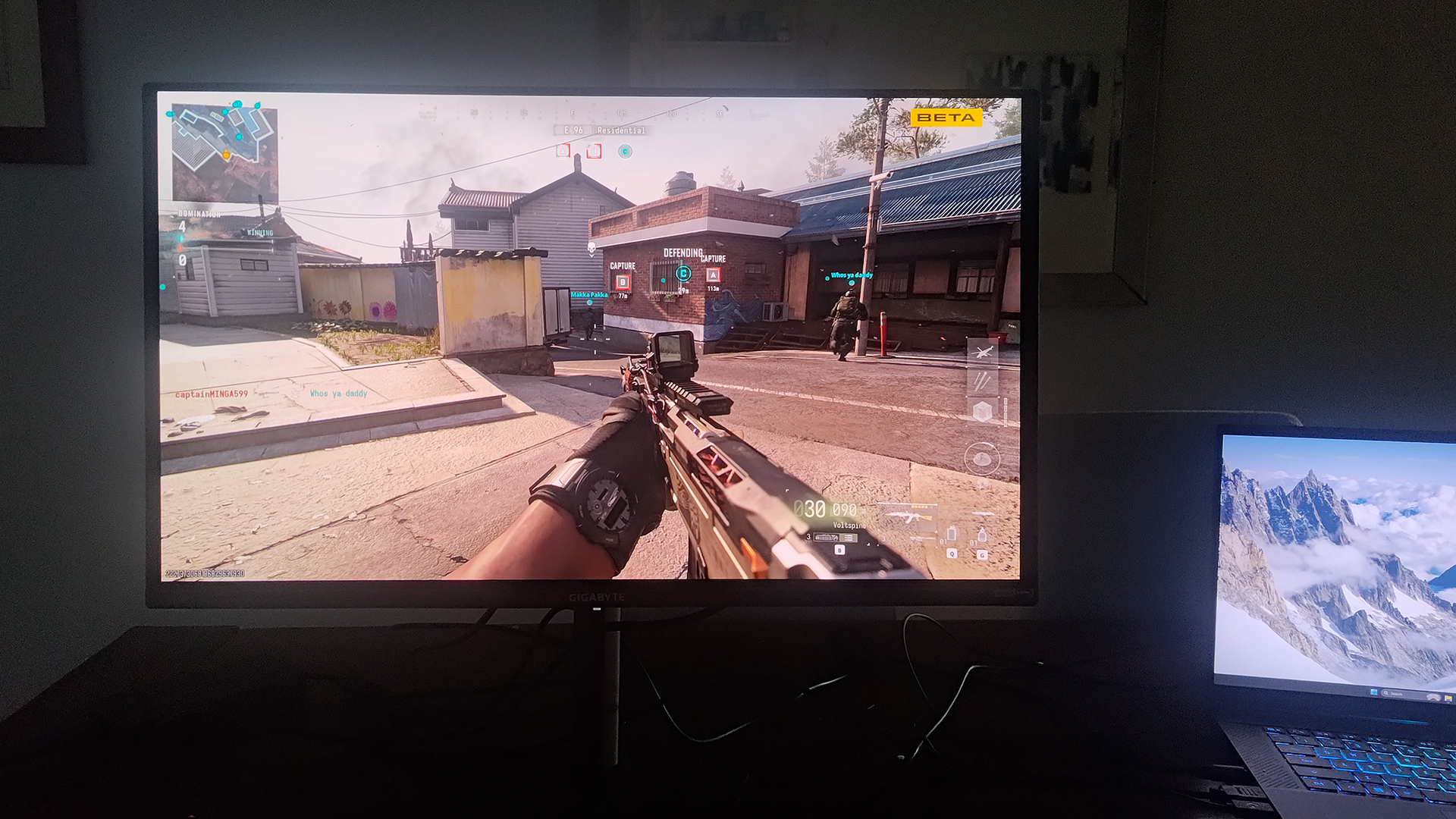
When put through its paces in fast-paced modern titles, the GO27Q24A shines brightly. The combination of a 240Hz refresh rate and a near-instantaneous 0.03ms grey-to-grey response time virtually eliminates motion blur and ghosting. Fast-moving objects remain razor-sharp, leaving motion clarity on par with displays twice its price.
To combat visual artifacts, the monitor supports both Nvidia G-Sync and AMD FreeSync Premium adaptive-sync technologies, alongside Variable Refresh Rate (VRR) support to mitigate brightness flickering during framerate dips. Gigabyte has also noted that an "Ultra Clear" motion-smoothness black-frame insertion (BFI) mode will roll out via a future firmware update.
Gaming Enhancements and the "Tactical Switch"
Gigabyte packages a suite of software enhancements accessed via the rear joystick. While some features are genuinely helpful, others border on gimmicky:
- AI Black Equalizer: Brightens shadow details artificially to expose hidden targets, though this noticeably degrades overall image contrast.
- Super Resolution: Sharpens uniform color blocks to make targets easier to spot at a distance, at the cost of native image integrity.
- Night Vision & Flash Dimming: Night Vision tints the screen green for tactical roleplay, while Flash Dimming dampens the blinding white-out effect of in-game flashbangs.
- Eagle Eye: Magnifies the center of the screen like a sniper scope. While past iterations felt clunky, this implementation features a circular optic that gives a tangible, albeit slightly controversial, advantage.
- Game Info Utilities: On-screen timers and customizable crosshairs that remain anchored accurately even when navigating menus, outperforming rival implementations from brands like MSI.
The most practical hardware inclusion is the Tactical Switch. By mapping this button, competitive FPS players can instantly scale down the active display resolution and physical viewport size—shifting from 1440p down to 1080p (16:9), 1280×960 (4:3), or 1280×1024 (5:4) to emulate a smaller 24-inch monitor footprint. This reduces peripheral distraction and optimizes field-of-view for high-level competitive shooters without requiring manual software adjustments inside Windows.
OLED Care and Longevity
To mitigate the risk of burn-in—a historical concern for OLED panels—Gigabyte incorporates comprehensive "OLED Care" protocols. Automated and manual pixel-cleaning cycles periodically refresh the pixel grid to clear out retention and correct localized brightness variations. This operates alongside a fan-less cooling array utilizing an optimized heat-sink structure and a graphene film layer. Gigabyte backs this thermal engineering and panel durability with a robust 3-year manufacturer warranty that explicitly covers burn-in.
Future Outlook & Final Verdict
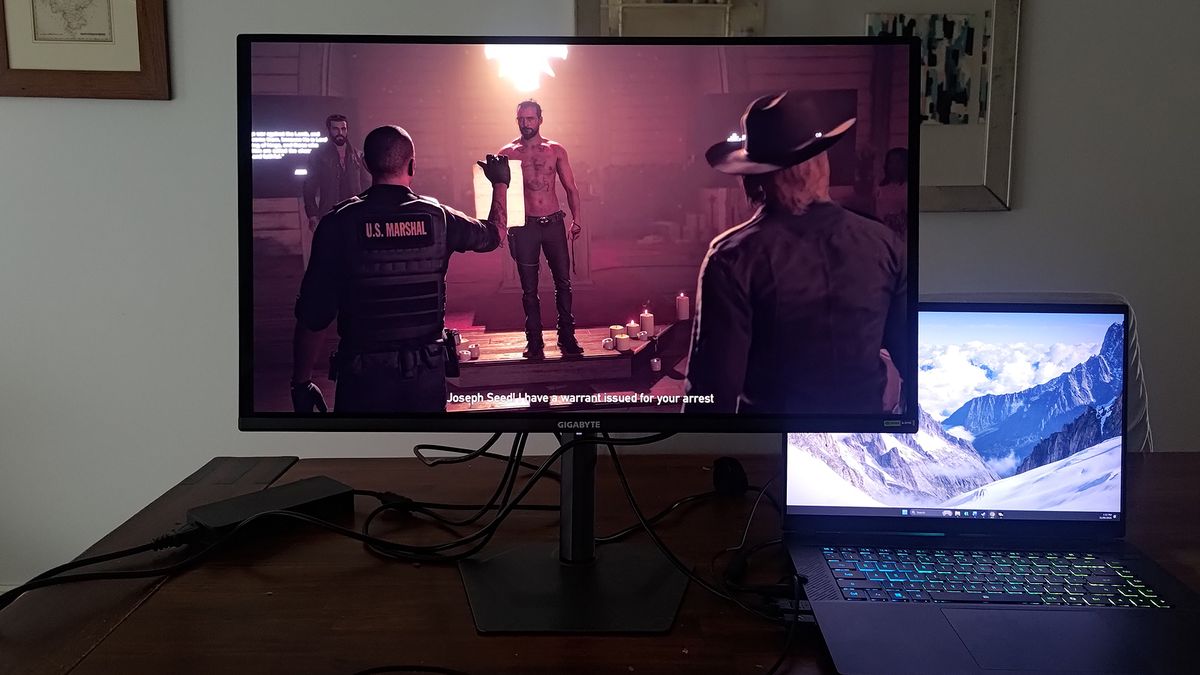
The Gigabyte GO27Q24A proves that high-performance OLED gaming does not need to come with an exorbitant financial barrier to entry. By systematically pruning unnecessary luxuries—such as excessive peak brightness, built-in KVM functionality, USB-C docking hubs, and decorative RGB chassis lighting—Gigabyte has delivered a focused, razor-sharp gaming monitor that excels where it matters most.
At its standard MSRP of $450, it represents strong value for pure-play gamers. When discovered on promotional sale (such as its aggressive $299 introductory window), it borders on an uncompromised bargain.
Nevertheless, prospective buyers must weigh its limitations: it remains ill-suited for heavy office productivity due to text-fringing and reflection sensitivity, and buyers should keep a watchful eye on competing alternatives like the Alienware AW2726DM, which utilizes a similar panel architecture and frequently competes aggressively on pricing. Ultimately, for the enthusiast whose desktop priorities are anchored squarely in fast-paced gaming, fluid motion, and infinite contrast, the GO27Q24A hits the bullseye without breaking the bank.









Belum ada komentar. Jadilah yang pertama berkomentar!