

Executive Overview
The ecosystem surrounding the Apple Vision Pro is undergoing a quiet yet profound transformation. While early discourse surrounding Apple’s high-end spatial computer often fixated on its steep price tag, enterprise utility, and the foundational hurdles of building a brand-new mixed-reality platform, software developers have steadily chipped away at its limitations. Now, the Vision Pro’s library of available experiences is poised for a massive expansion.
Valve has officially announced the launch of a native Steam Link application tailored specifically for visionOS. The release brings the first public beta of the app to Apple’s spatial computing headset, allowing users to tap into their vast PC and Mac Steam libraries directly within the visionOS interface.
While the initial beta roll-out comes with specific technical constraints—most notably that it is strictly limited to 2D flat-screen streaming rather than native virtual reality (VR) titles—the integration marks a significant milestone. By combining Valve’s industry-leading remote-play technology with Apple’s high-resolution micro-OLED displays, the collaboration offers a glimpse into how traditional desktop gaming can be reimagined inside a virtual, panoramic workspace. This comprehensive report explores the details of the new visionOS app, how to access it, the underlying technical specifications, and what this means for the future of gaming on spatial computing platforms.
Detailed Chronology: The Journey to Steam Link on visionOS
To understand the significance of Valve bringing Steam Link to the Apple Vision Pro, it is helpful to trace the convergence of Apple’s spatial platform and the broader PC gaming landscape.
When the Apple Vision Pro launched in early 2024, its gaming strategy relied heavily on Apple Arcade titles, native iOS adaptations, and cloud-streaming services accessed via web browsers. While impressive, these offerings lacked a direct, low-latency bridge to the world’s most popular digital storefront for PC gaming: Steam. Over the subsequent months, software updates like visionOS 2.0 and later iterations progressively refined window management, Bluetooth controller compatibility, and spatial audio routing, quietly laying the groundwork for more intensive external streaming applications.
The timeline leading up to the current beta release highlights a steady, deliberate engineering effort:
- Early 2024: Apple Vision Pro hits the market. Users immediately begin experimenting with third-party workarounds—such as web-based streaming or casting tools—to play desktop games on the headset’s virtual screens, though performance is often hindered by high latency.
- Late 2024 to 2025: Valve expands Steam Link rapidly across other Apple hardware ecosystems, optimizing the app for iPhone, iPad, Mac, and Apple TV with high-refresh-rate streaming and robust controller support.
- Early 2026: Apple rolls out progressive visionOS updates (including visionOS 26.4 enhancements), improving graphical performance and spatial window rendering. Concurrently, rumors circulate within developer communities regarding a dedicated spatial client.
- April 2026: Valve officially confirms the development of a native visionOS Steam Link application, immediately pushing the software into a public beta phase via Apple’s TestFlight distribution platform.
This rapid progression demonstrates Valve’s ongoing commitment to hardware agnosticism. By meeting players wherever their screens may be—whether on a smartphone, a living room television, or an advanced mixed-reality headset—Valve continues to cement Steam’s position as the central hub of digital gaming culture.
Technical Specifications, Features, and Limitations
When opening the Steam Link app inside the Apple Vision Pro, users are greeted with an interface designed to leverage the unique capabilities of visionOS while managing the hardware constraints of remote game streaming.
What the Beta Delivers
According to Valve’s official community release notes, the initial visionOS client is packed with performance enhancements designed to maximize the fidelity of Apple’s dual 4K micro-OLED displays:
- Up to 4K Streaming Resolution: The app is engineered to handle ultra-high-definition video feeds, ensuring that text, UI elements, and detailed game textures remain razor-sharp when scaled up across a massive virtual screen.
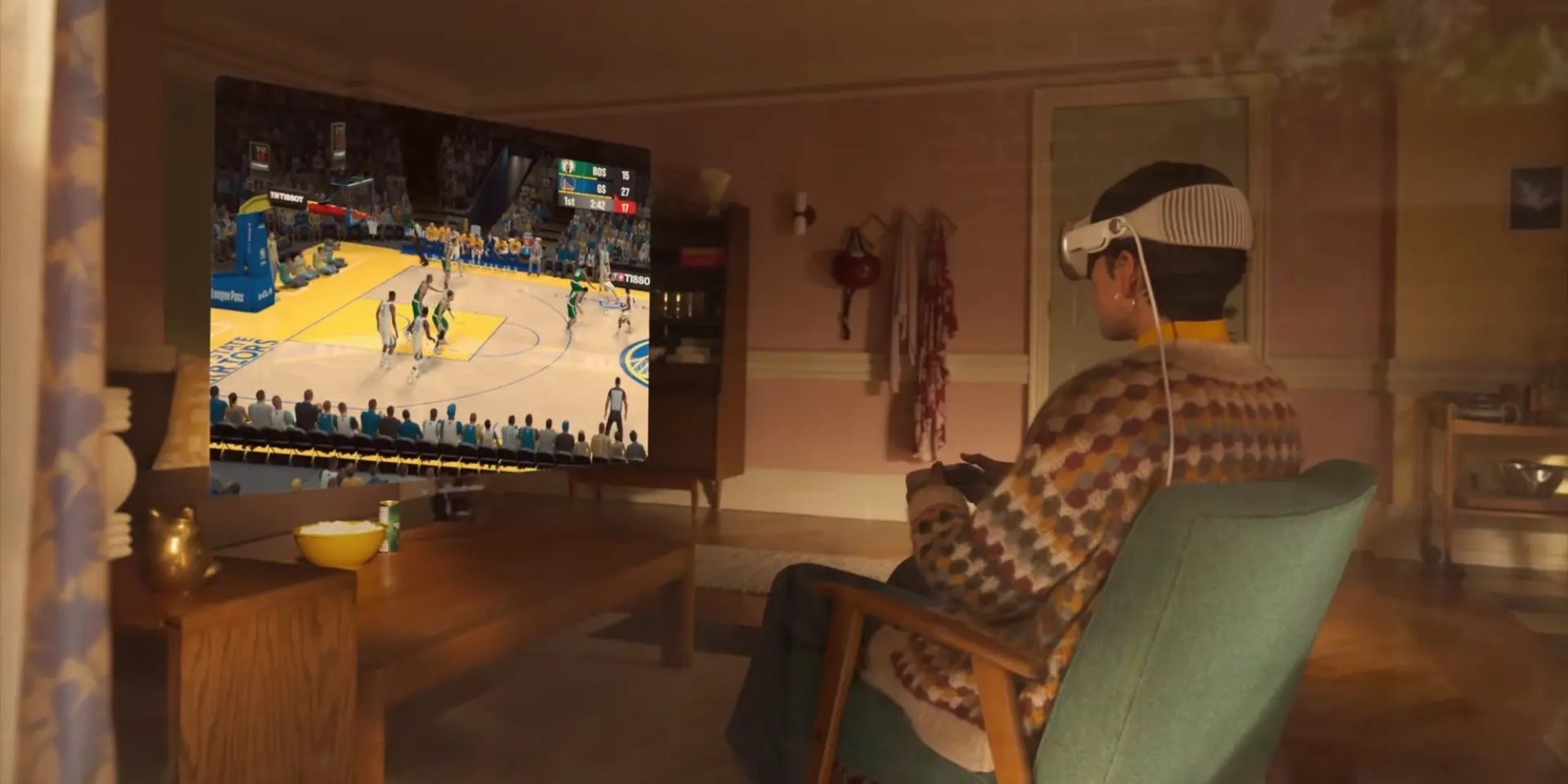
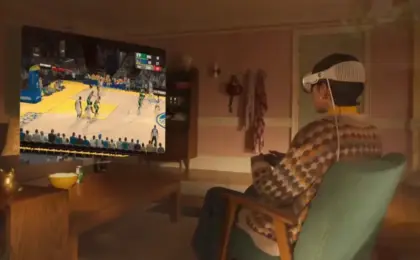
- Panoramic Curved Displays: Utilizing the native window management features of visionOS, players can dynamically adjust the curvature of their virtual display. This creates an immersive, wrap-around IMAX-style theater effect that draws the player deeper into their game.
- Advanced Network Performance Optimizations: Building on years of refinement to the Steam Link streaming protocol, the visionOS client incorporates low-latency video compression algorithms designed to minimize input lag over local Wi-Fi networks.
Crucial Limitations: 2D vs. VR Content
For prospective users, managing expectations is vital. Valve’s official documentation explicitly states:
"This client is for 2D streaming only and does not support VR content."
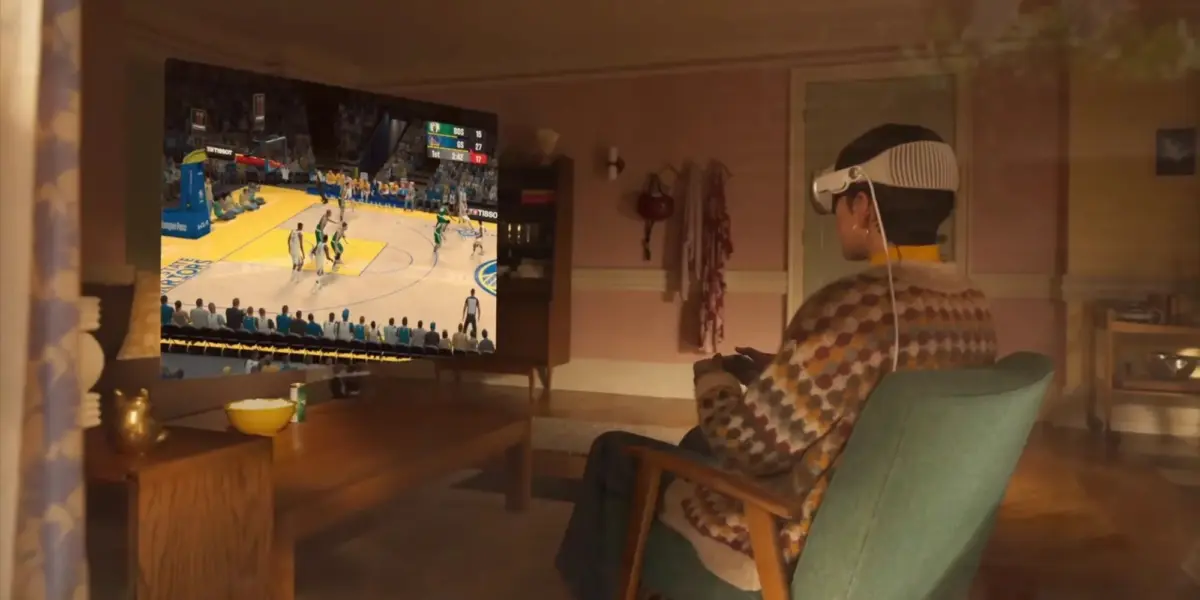
This means that while you can sit in your living room and play sprawling open-world titles like Cyberpunk 2077, Baldur’s Gate 3, or competitive multiplayer games like Counter-Strike 2 on a floating, theater-sized virtual screen, you cannot currently use the Vision Pro as a native SteamVR headset to run room-scale virtual reality games (such as Half-Life: Alyx).
The lack of native VR support stems from fundamental differences in tracking ecosystems, controller architectures (the Vision Pro relies primarily on eye-and-hand tracking rather than dedicated 6DOF motion controllers), and rendering pipelines between visionOS and OpenXR/SteamVR runtimes. Nevertheless, industry analysts note that third-party developers have previously experimented with bridging SteamVR to the Vision Pro, leaving the door open for potential future expansions.
How to Access the Steam Link Beta on Apple Vision Pro
For enthusiasts eager to test out the application ahead of its official App Store release, Valve has made the beta accessible via Apple’s developer testing framework.

- Step 1: Join the TestFlight Program: Users can sign up and download the application via the official Steam Link TestFlight beta link provided by Valve. (Note: Apple TestFlight slots can occasionally reach capacity based on developer limits).
- Step 2: Prepare Your Host Machine: Ensure your gaming PC or Mac is powered on, connected to Steam, and logged into your account. For optimal performance, Valve strongly recommends connecting your host computer to your local router via an Ethernet cable.
- Step 3: Network Requirements: Connect your Apple Vision Pro to a robust 5GHz or 6GHz Wi-Fi network. Network congestion or high packet loss will directly impact frame rates and input latency.
- Step 4: Controller Pairing: Pair a compatible Bluetooth controller—such as a PlayStation DualSense, Xbox Wireless Controller, or MFi-certified gamepad—directly to your Apple Vision Pro.
- Step 5: Launch and Play: Open the Steam Link app inside visionOS, pair it with your host computer following the on-screen PIN prompt, select your game, and project your library onto a massive virtual screen anywhere in your physical environment.
Supporting Context & Industry Metrics: The Spatial Gaming Landscape
To fully grasp why a Steam Link app matters for the Apple Vision Pro, one must look at the broader metrics governing the extended reality (XR) hardware market.
Historically, spatial computing devices have faced a classic "chicken-and-egg" software dilemma: consumers hesitate to purchase premium hardware without a massive library of established AAA games, while major publishers are reluctant to invest millions of dollars into porting complex games to nascent operating systems with small installed user bases.
By leveraging remote streaming, Valve and Apple bypass this development bottleneck entirely. Instead of requiring developers to rebuild their games natively for visionOS, Steam Link allows Vision Pro owners to tap into a PC library containing tens of thousands of titles instantly.
| Metric / Feature | Steam Link on visionOS | Traditional PCVR Headsets | Apple Arcade (visionOS Native) |
|---|---|---|---|
| Library Size | Tens of thousands of PC/Mac games | Thousands of VR-specific titles | Dozens of curated spatial/2D games |
| Graphics Quality | Dependent on Host PC / Local Network | Dependent on PC GPU | Optimized for Apple Silicon M-series |
| Content Type | 2D Flat-Screen Streaming | Immersive 6DOF VR/MR | Mixed Reality, Immersive 2D, Spatial |
| Hardware Required | Vision Pro + Gaming PC/Mac | PCVR Headset + Gaming PC | Apple Vision Pro Only |
This hybrid approach mirrors the broader trend across the tech industry: cloud and remote-play streaming are acting as the primary catalysts for making spatial headsets useful for everyday entertainment, long before native spatial-gaming development reaches maturity.
Official Statements and Community Reception
The announcement was met with immediate enthusiasm across developer forums and community hubs like the Steam Discussions board and Reddit’s visionOS communities. Early testers have praised the sharpness of the 4K stream and the flexibility of the resizable, curved panoramic displays.

In its release announcement, Valve emphasized that community feedback during the TestFlight phase will be crucial for refining performance:
"We are constantly looking to optimize network efficiency and user experience across all platforms. Bringing Steam Link to visionOS opens up exciting possibilities for how players interact with their PC libraries in spatial environments. We look forward to hearing feedback from our beta testers as we fine-tune the application for a general release."
While power users continue to advocate for native VR streaming capabilities—pointing out that the Vision Pro’s hardware displays are technically among the best in the industry—the consensus among early reviewers is that playing traditional flat-screen games on a virtual IMAX-sized screen in a dimly lit room is surprisingly compelling, comfortable, and practical for travelers or those without access to a physical television or monitor.
Future Outlook: Where Goes Spatial Gaming?
The arrival of Steam Link in beta on visionOS represents a vital stepping stone for Apple’s spatial computing platform. As visionOS matures and Valve collects performance data from thousands of beta testers, several potential trajectories emerge for the future of gaming on the device:
- Refined Low-Latency Protocols: As Wi-Fi 7 adoption grows and developers optimize video decoding pipelines within visionOS, input lag and compression artifacts will likely shrink toward imperceptible levels, making competitive gaming increasingly viable over remote streams.
- Potential for Unofficial or Official VR Bridges: While Valve has drawn a hard line at 2D streaming for the current beta, the persistent ingenuity of the homebrew and enthusiast developer community means experimentation with 3DoF/6DOF head-tracking integration will undoubtedly continue.
- Hardware Evolution: Future iterations of Apple’s spatial hardware—whether lighter, more affordable consumer models or higher-end iterations—will benefit immensely from a mature software ecosystem that already includes heavyweight utilities like Steam Link.
For now, the message to Apple Vision Pro owners who also maintain a robust PC gaming rig is clear: your digital library is no longer bound to your physical desk or television. With a few taps in TestFlight, your entire Steam collection can follow you into any room, rendered across a floating, cinematic display of your choosing.






Belum ada komentar. Jadilah yang pertama berkomentar!