

Executive Overview
The landscape of spatial computing gaming is undergoing a significant expansion. While Apple’s Vision Pro has steadily carved out a reputation as an exceptional platform for high-end media consumption—bolstered by expanding Apple Immersive Video libraries and continuous system refinements via visionOS updates—its gaming catalog has often been viewed through the lens of potential rather than sheer volume. That narrative is beginning to shift dramatically.
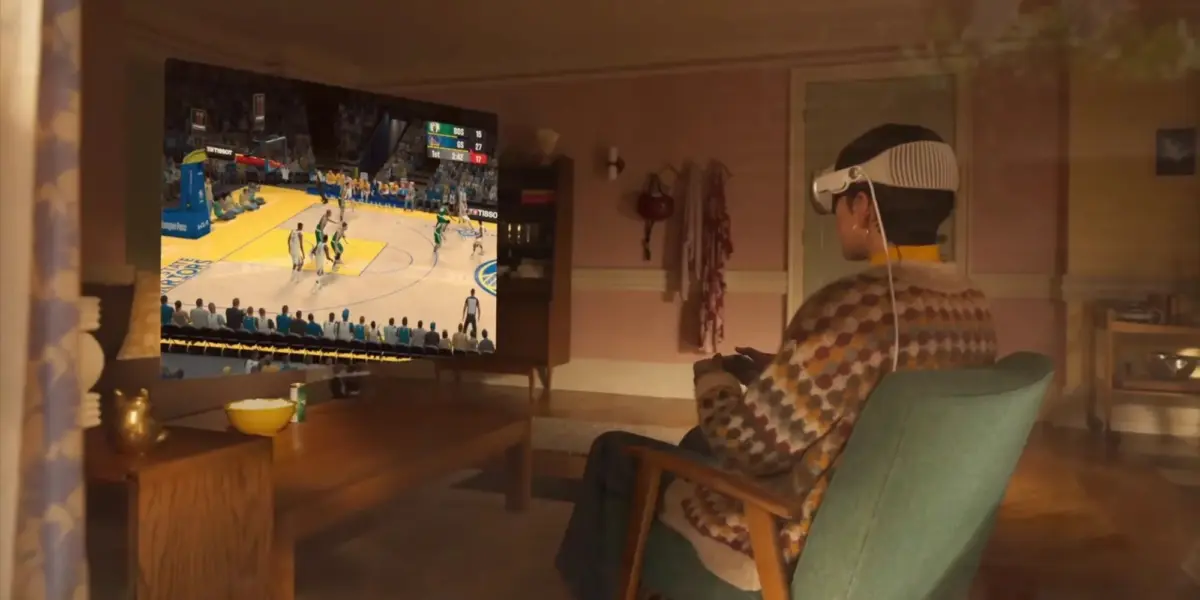
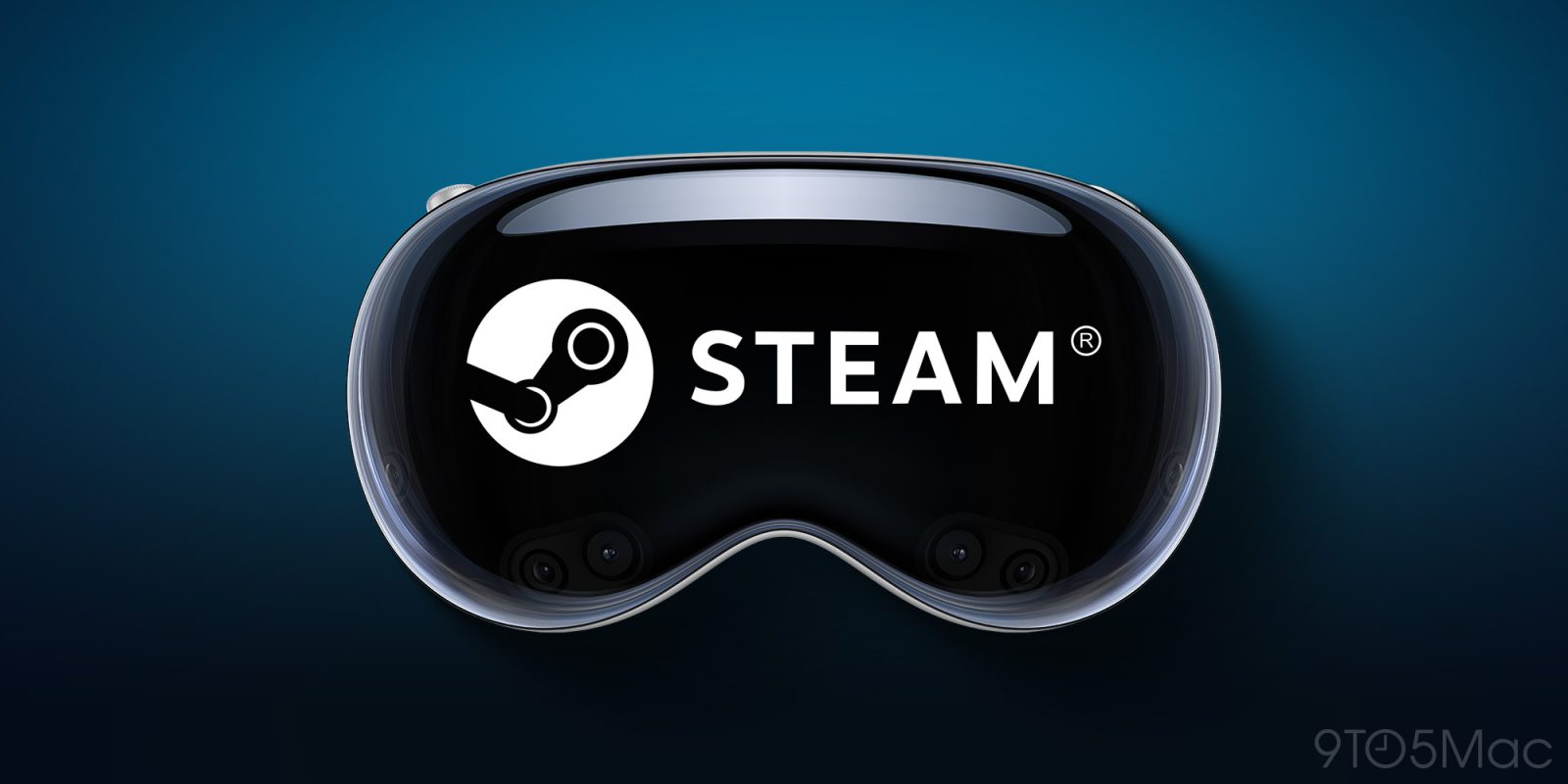
Valve Corporation has officially announced the rollout of a native Steam Link application for visionOS, with the initial beta version now accessible to early adopters. This development bridges Valve’s massive PC gaming ecosystem with Apple’s cutting-edge mixed-reality hardware. While the initial release focuses exclusively on 2D game streaming rather than native virtual reality (VR) titles, the implications for spatial gaming are profound.
Users can now stream games directly from their host PC or Mac to a massive, dynamically adjustable virtual display floating within their physical environment. Featuring support for resolutions up to 4K and advanced network performance enhancements, this milestone introduces a new dimension of flexibility for gamers looking to merge high-end desktop hardware with Apple’s premium spatial headset.
Detailed Chronology of the Integration
The path toward bringing Steam integration to Apple’s spatial computing platform has been a gradual evolution, reflective of both companies’ cautious yet deliberate approaches to hardware and software ecosystems.
The Foundation of visionOS Gaming
When the Apple Vision Pro launched, its native gaming options were largely constrained by what developers could build specifically for the App Store or adapt from Apple Arcade. While titles designed for iOS, iPadOS, and macOS ran seamlessly in compatibility mode, spatial-specific gaming experiences were sparse. Over successive software updates, particularly leading into the visionOS 26 ecosystem cycle, Apple steadily improved graphics APIs, controller compatibility, and window-management capabilities, laying the operational groundwork for heavier streaming workloads.
Valve’s Multi-Platform Expansion Strategy
Valve has spent years refining the Steam Link protocol. Originally launched as a dedicated hardware streaming box before pivoting entirely to a software-based solution, Steam Link has steadily expanded across consumer tech landscapes. Today, the application is ubiquitous on smartphones, tablets, desktop computers, and living room streaming devices like Apple TV.
Bringing Steam Link to visionOS was the logical next frontier. As developers began testing streaming protocols and remote-desktop tools on the headset, the demand for a dedicated, optimized Steam client became impossible to ignore. Valve’s decision to launch the client via Apple’s TestFlight developer platform marks the official transition from conceptual compatibility to active consumer-facing beta testing.
The Beta Launch and TestFlight Rollout
With the announcement, Valve opened the floodgates for early adopters to test the waters. By registering via the public TestFlight link, Vision Pro users can now install the native visionOS application. The beta period serves as a crucial stress test, allowing Valve and early users to evaluate network stability, compression artifacts, latency, and controller pairing protocols across diverse home networking environments before a wider public release on the App Store.
Supporting Context & Metrics: What the VisionOS Steam Link Beta Offers
Examining the technical scope of the newly released beta reveals a robust toolset designed to maximize the graphical capabilities of the Apple Vision Pro.
Technical Specifications & Performance Upgrades
Valve’s accompanying documentation for the visionOS release highlights several key optimizations that separate this client from running a generic remote desktop tool:
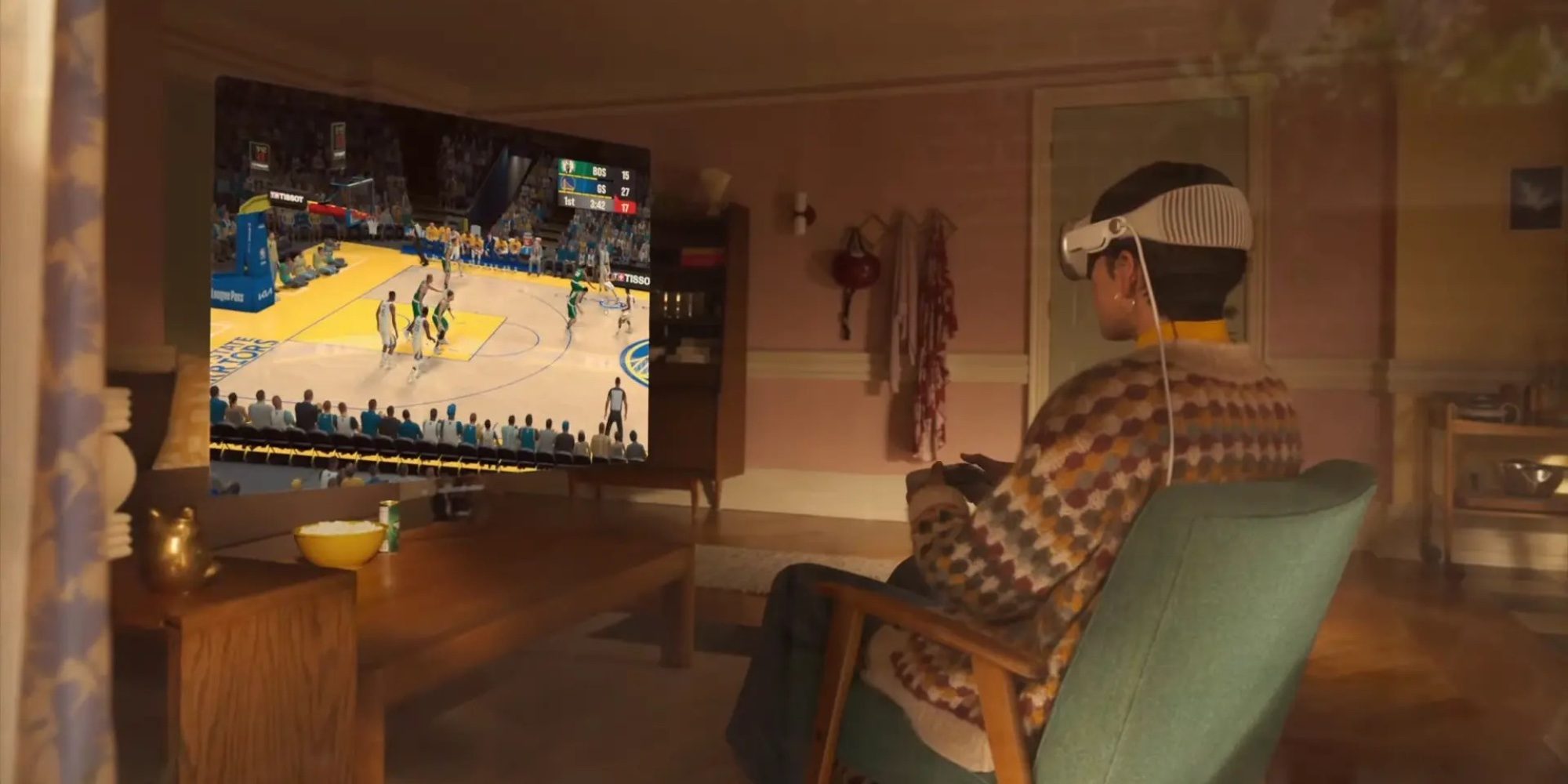
- Up to 4K Streaming Resolution: The application leverages advanced video decoding pipelines to support crystal-clear streaming up to 4K resolution, ensuring that text and fine UI elements in complex strategy or role-playing games remain razor-sharp.
- Dynamic Curvature Adjustment: True to the spatial nature of visionOS, users are not locked into a flat, rigid rectangle. In panoramic mode, players can dynamically adjust the curve of the virtual display, wrapping the massive screen around their field of vision for a more enveloping cinematic presentation.
- Enhanced Network Performance: Utilizing iterative improvements derived from recent Steam Link updates across other platforms, the visionOS client features optimized bit-rate scaling and lower input lag, critical factors when gaming over Wi-Fi networks.
The 2D Limitation: Understanding the Scope
To manage consumer expectations, Valve has explicitly clarified a major boundary of this initial release: this client is strictly for 2D streaming.
+-----------------------------------------------------------------+
|                  Steam Link on visionOS (Beta)                  |
+---------------------------------+-------------------------------+
|          WHAT IT SUPPORTS       |      WHAT IT DOES NOT SUPPORTS|
+---------------------------------+-------------------------------+
| • Streaming 2D Steam PC/Mac games| • Native PC VR Headset Games  |
| • Resolutions up to 4K          | • OpenXR/SteamVR Spatial Apps |
| • Dynamic curved panoramic view | • Direct hardware tethering   |
| • Standard Bluetooth controllers|                               |
+---------------------------------+-------------------------------+
The app does not support PC VR content (such as titles requiring OpenXR or native SteamVR runtimes). Users cannot use the Vision Pro as a direct substitute for a dedicated PC VR headset like the Valve Index or Meta Quest via Steam Link. Instead, the application treats the headset as an ultra-high-resolution, private, portable monitor capable of displaying your entire Steam library in a floating spatial window.
Even with this restriction, the use case is compelling. Playing sprawling open-world adventures, competitive indie titles, or narrative-driven RPGs on a virtual screen that rivals the size of an IMAX theater—all while sitting comfortably on a couch or an airplane—offers a transformative alternative to traditional desktop monitors or televisions.
Official Statements and Industry Perspective
While Apple has historically maintained a tightly curated ecosystem around its hardware, the integration of third-party streaming powerhouses like Steam Link underscores a pragmatic shift toward utility and user choice.
In its official community discussion release notes, Valve emphasized the iterative nature of the beta:

"This update improves network performance, allows streaming up to 4K resolutions, and allows you to dynamically adjust the curve of the display in panoramic mode. This client is for 2D streaming only and does not support VR content."
Industry analysts point out that while Apple continues to market the Vision Pro as a productivity and entertainment powerhouse, gaming remains the primary crucible for high-performance hardware testing. By opening the platform to the world’s largest digital PC gaming storefront, Valve and Apple are tapping into an established library of tens of thousands of games instantly, bypassing the lengthy process of waiting for developers to build bespoke native visionOS apps from scratch.
Furthermore, commentators have highlighted the psychological impact of seeing the Steam logo associated with visionOS. For PC gamers who have eyed spatial computing with skepticism due to limited AAA software availability, the ability to access their existing, curated Steam libraries via a simple app download instantly elevates the value proposition of owning Apple’s premium headset.
Future Outlook: Where Spatial Gaming Goes From Here
The release of the Steam Link beta for visionOS is merely a stepping stone in the broader evolution of spatial gaming. As we look ahead, several key questions and possibilities emerge for developers and consumers alike.
Potential for Future VR Integration
The most prominent question on the minds of enthusiasts is whether native PC VR streaming will eventually come to the Vision Pro via Steam Link or third-party solutions (building upon existing tools like ALVR or specialized virtual desktop applications). While technical hurdles remain—particularly regarding proprietary tracking systems, controller hand-off protocols, and display stream compression standards—the high-resolution micro-OLED displays of the Vision Pro represent the ultimate holy grail for VR visual fidelity. If Valve and independent developers can successfully bridge the gap between visionOS and SteamVR, the device could ultimately become a premier display platform for PC virtual reality.

The Evolution of Spatial UI and Hybrid Workloads
Beyond traditional gaming, the presence of robust streaming clients on visionOS signals a blurring of lines between productivity, media consumption, and interactive entertainment. Gamers can now seamlessly toggle between reviewing documents in native productivity apps, attending virtual meetings, and diving into a high-end PC game without ever taking off the headset.
How to Get Started Today
For those eager to experience the future of spatial PC gaming, the barrier to entry is relatively low:
- Ensure your Apple Vision Pro is running an up-to-date version of visionOS.
- Access the public Steam Link beta via TestFlight using an iOS device or directly through the TestFlight app on visionOS.
- Ensure your host PC or Mac running Steam is connected to a stable, high-speed local network (preferably via Ethernet to the router, with the Vision Pro on a robust 5GHz or 6G Wi-Fi band).
- Pair a compatible Bluetooth controller (such as an Xbox Wireless Controller, PlayStation DualSense, or supported gamepad) directly to your Vision Pro.
- Launch the app, pair with your host machine, and select a game to stream onto your customizable, high-resolution virtual screen.
As the beta matures and user feedback rolls in, Valve’s continued refinement of the visionOS Steam Link application will undoubtedly serve as a bellwether for how traditional desktop gaming ecosystems successfully transition into the era of spatial computing.






Belum ada komentar. Jadilah yang pertama berkomentar!